3D Product Visualizer: Help Buyers Compare Materials in Context
TL;DR: A 3D product visualizer renders products or materials in an interactive three-dimensional scene for exploring appearance and combinations. Define the buyer's decision and changeable surfaces. Photorealism alone cannot replace stable comparisons and a dependable product handoff.
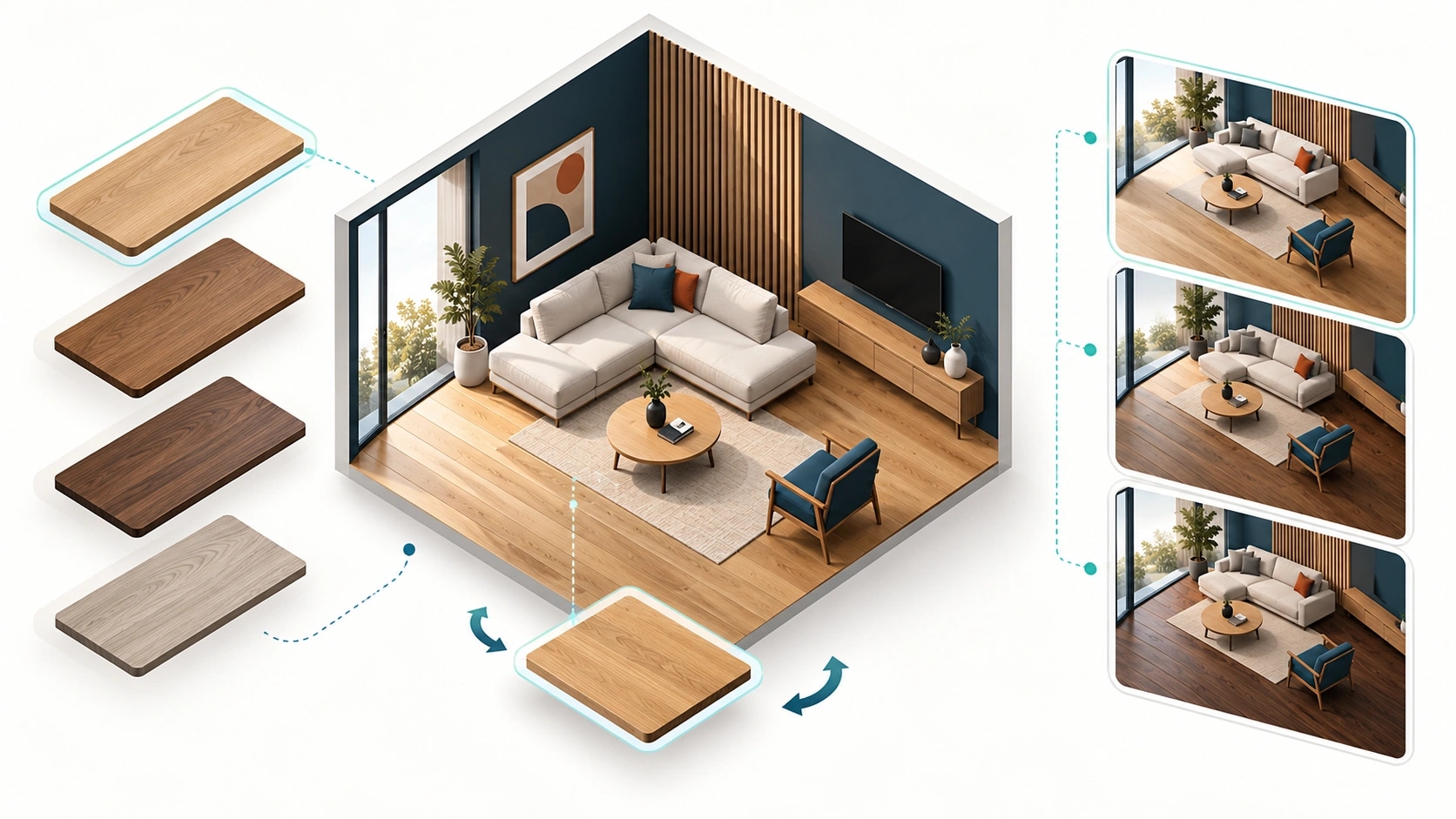
Original AI-generated editorial illustration; it depicts a concept rather than a client deployment or product screenshot.
Introduction
A finish can look different beside flooring, fittings and light. A room visualiser helps buyers compare combinations, but the experience must remain responsive and connected to products the business supplies. Start with the decision the customer needs to make rather than a large scene library. Here is how to evaluate 3D product visualizer against that business need.
What Is 3D product visualizer?
A 3D product visualizer renders products or materials in an interactive three-dimensional scene for exploring appearance and combinations.
Samples provide limited surrounding context. Large assets can impair mobile use. Sales staff need recoverable product selections.
Photorealism alone cannot replace stable comparisons and a dependable product handoff. The scope should make this distinction clear before the team commits to a solution.
Technical context: Khronos defines glTF as a format for transmitting and loading 3D scenes and models. Khronos: glTF asset delivery format
Why 3D product visualizer Matters
- Samples provide limited surrounding context.
- Large assets can impair mobile use.
- Sales staff need recoverable product selections.
How to Evaluate and Implement 3D product visualizer
Define the comparison
Decide whether users compare finishes, configure an object or plan a complete room. Begin with representative scenes and explicit changeable surfaces. Keep other elements stable during comparisons. Free camera movement and many room types can distract from a simple finish decision. Test whether users understand the controls before expanding visual complexity.
Maintain assets as product data
Prepare geometry, textures and materials with consistent identifiers. Control physical scale, pattern direction and repeat behaviour. Plan compression and loading priorities before catalogue expansion. A standard model format does not guarantee acceptable rendering on customers' devices. Provide an alternative product view when the intended scene cannot load or the device struggles.
Build the sales handoff
Save identifiers, combinations and relevant dimensions in a recoverable record. Explain which details are illustrative and which are actual product specifications. Let staff retrieve a shortlist without asking the customer to repeat the exploration. Measure useful comparisons and enquiries. Engagement with a scene is not evidence of revenue without a measured connection to the business outcome.
Compare the available approaches
| Approach | Suitable starting point | Main limitation or responsibility |
|---|---|---|
| Photographs | Easy catalogue browsing | Limited configuration |
| Interactive 3D | Controlled combinations | Asset and rendering maintenance |
| Photo preview | Personal room context | Image-dependent surface detection |
A practical example
A hypothetical surface brand launches a kitchen scene with cabinet and worktop options. Selections retain catalogue codes in the enquiry. Custom room measurement and automatic bills of materials remain outside the first release. The pilot establishes whether customers and dealers can work from the same shortlist before broader configuration capabilities are commissioned.
An acceptance test worth running
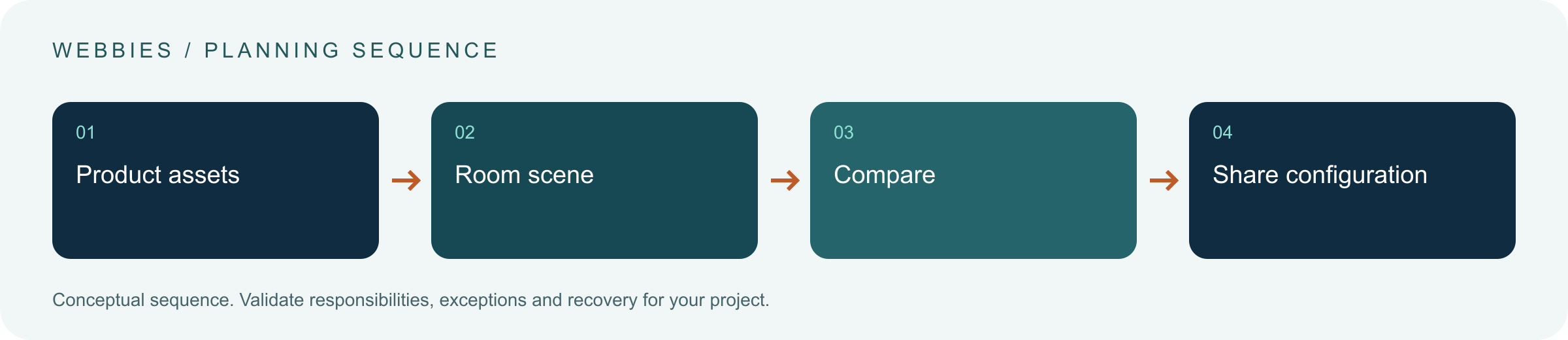
Load the scene on a representative lower-capacity phone, change a directional wood texture and save the combination. Check scale, orientation and recovery after interruption. Reopen the enquiry as a salesperson and confirm that every chosen surface maps to a valid product reference. If the rendered scene fails, the customer should still have a usable catalogue route and preserved selection.
What to measure
Measure scene readiness, completed comparisons, saved configurations and enquiries with valid codes.
Use a representative baseline and record the conditions of the comparison. Agree who reviews failures and what evidence is needed before expanding the scope. For a broader view of the related delivery work, explore Webbies services.
Practical Steps for 3D product visualizer
- Define the buyer's decision and changeable surfaces.
- Prepare consistent assets and product references.
- Test representative devices and networks.
- Connect saved combinations to the enquiry process.
Prepare a useful project brief
| Decision | What to establish |
|---|---|
| Audience | building-material and home-product brands |
| First boundary to agree | Define the buyer's decision and changeable surfaces. |
| Evidence of useful performance | Measure scene readiness, completed comparisons, saved configurations and enquiries with valid codes. |
| Estimate dependency | Scene count, geometry, textures, catalogue coverage and device targets drive effort. |
Bring sample inputs and an example of an exception to the first discussion. Separate confirmed requirements from assumptions, and identify who can supply missing information. The brief should let a delivery team explain what it needs to investigate before making a detailed commitment.
Common Mistakes to Avoid
- Loading every asset before showing a scene.
- Treating a preview as an order specification.
- Ignoring texture scale.
Frequently Asked Questions
What does 3D product visualizer mean in a business project?
A 3D product visualizer renders products or materials in an interactive three-dimensional scene for exploring appearance and combinations.
How should a team begin evaluating material configurator?
Define the buyer's decision and changeable surfaces. Prepare consistent assets and product references.
How do we measure whether 3D room visualisation is useful?
Measure scene readiness, completed comparisons, saved configurations and enquiries with valid codes.
What affects the cost or timeline of 3D product visualizer?
Scene count, geometry, textures, catalogue coverage and device targets drive effort. A delivery estimate should follow a review of these dependencies.
What is a common misconception about 3D product visualizer?
Photorealism alone cannot replace stable comparisons and a dependable product handoff.
Conclusion
A useful 3D visualiser connects stable material comparisons with a recoverable product shortlist. Build the asset and sales workflow alongside the rendered scene. Scope a 3D product visualiser with Webbies.
Sources and further reading
- Khronos: glTF asset delivery format — primary technical reference, checked during research on 30 October 2026.
Discuss your project
Scope a 3D product visualiser. Share the current workflow, intended users, existing systems and the decision you need to make; the next step can be a 20–30 minute discovery discussion.