MCP Integration: Connect AI Tools to Business Systems Safely
TL;DR: MCP integration connects an AI application to tools and resources through the Model Context Protocol, using defined interfaces for discovering and invoking capabilities. Inventory required capabilities and the users allowed to invoke them. MCP does not replace the business system's authorisation, data governance or transaction controls.
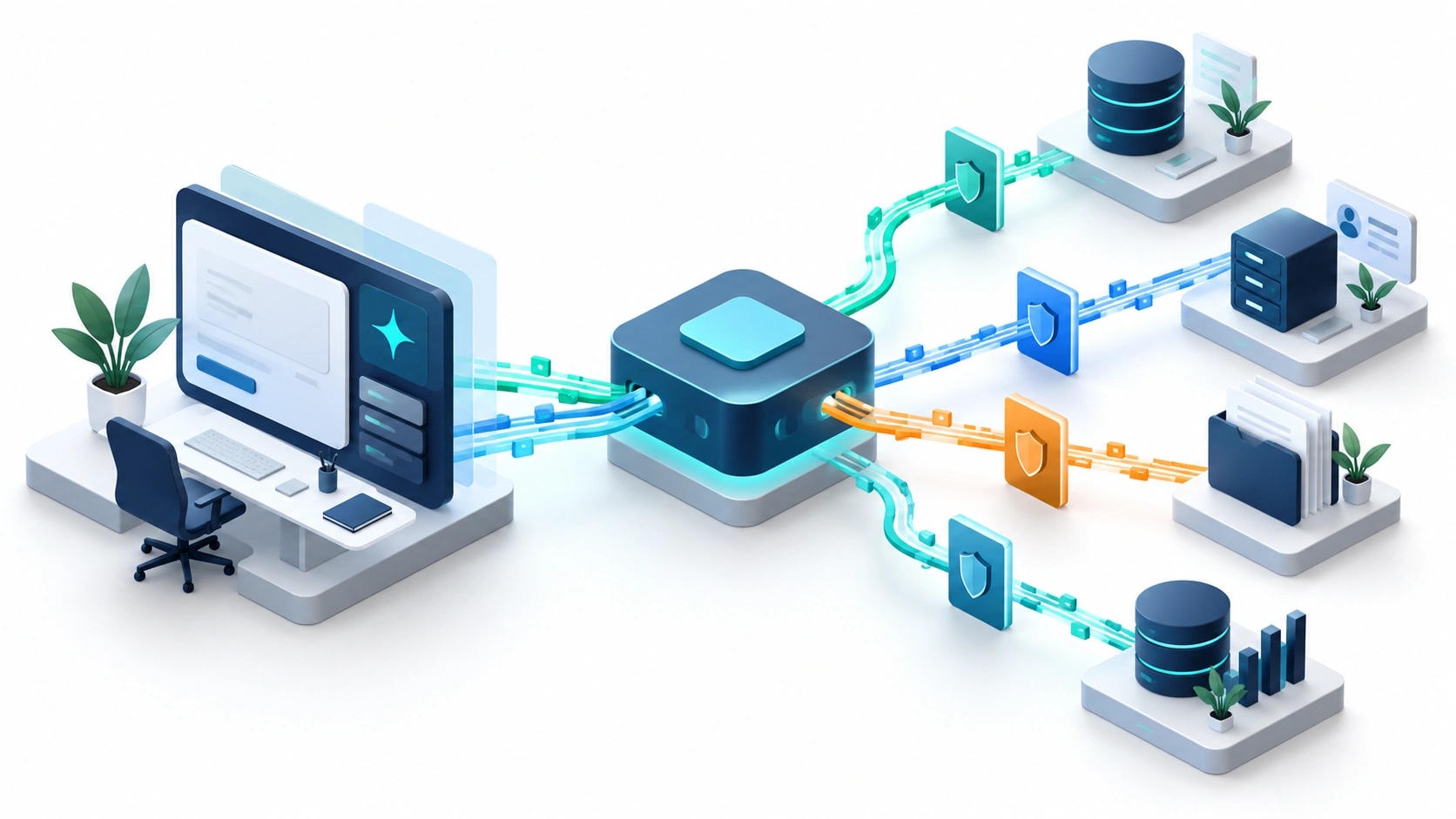
Original AI-generated editorial illustration; it depicts a concept rather than a client deployment or product screenshot.
Introduction
Connecting an assistant to a CRM changes what the assistant can do, not just what it can say. A shared tool protocol can simplify connection patterns, but it cannot decide who is authorised to read a record or approve a change. Those decisions remain part of the application design. Here is how to evaluate MCP integration against that business need.
What Is MCP integration?
MCP integration connects an AI application to tools and resources through the Model Context Protocol, using defined interfaces for discovering and invoking capabilities.
Business tools need user-specific permissions and clear input contracts. A shared connection format does not guarantee compatible semantics. Write actions require independent validation and audit evidence.
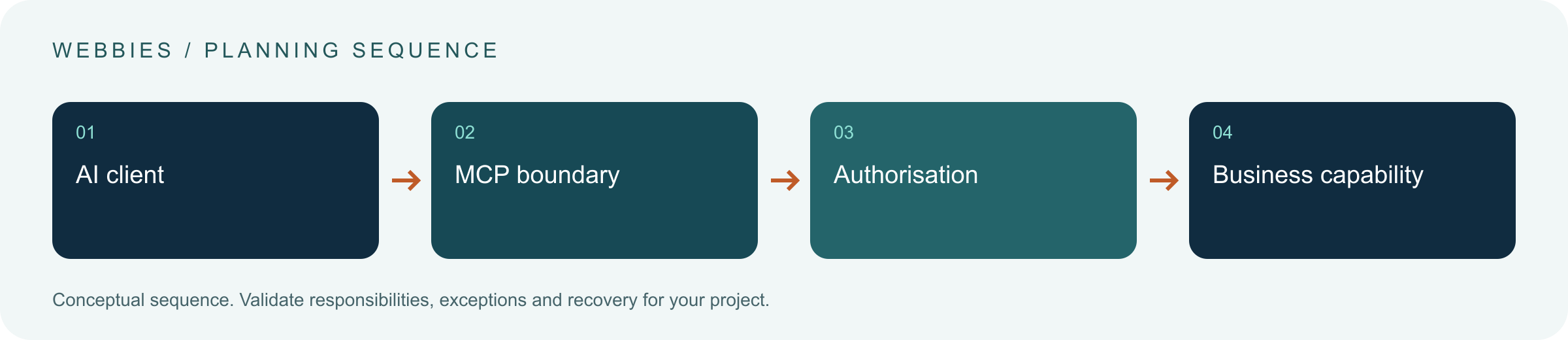
MCP does not replace the business system's authorisation, data governance or transaction controls. The scope should make this distinction clear before the team commits to a solution.
Technical context: The MCP documentation describes a client-server protocol for exchanging context and invoking capabilities. Model Context Protocol: Architecture overview
Why MCP integration Matters
- Business tools need user-specific permissions and clear input contracts.
- A shared connection format does not guarantee compatible semantics.
- Write actions require independent validation and audit evidence.
How to Evaluate and Implement MCP integration
Keep the protocol separate from policy
Document the client, server, transport and supported protocol version. Identify the tools the client can discover and the resources it can read. Then define the business rules that apply to each operation. A tool called update_customer may hide far more authority than a narrowly scoped address-change operation. Avoid assuming that standardising the connection standardises the consequences of a tool call.
Preserve identity across the connection
Decide whether operations run as the user or under a constrained service identity. Validate token scope, resource audience and authorisation at the server boundary. Keep secrets outside model-visible context. Use allowlists and explicit tool contracts where the application needs predictable behaviour. Treat descriptions and returned content as untrusted inputs; a document instructing an agent to change its permissions is data, not an authorised policy update.
Test compatibility and failure behaviour
Build contract tests for missing fields, stale identifiers and denied access. Test how the client handles cancellation, timeouts and tools that finish after the conversation ends. Separate a proposal to make a change from execution of that change. Protocol capabilities evolve, so record what the actual client and server support rather than relying on a generic MCP label. Roll out read-only access before consequential business writes when possible.
Compare the available approaches
| Approach | Suitable starting point | Main limitation or responsibility |
|---|---|---|
| Direct API integration | A small, fixed application boundary | Custom adapter maintenance |
| MCP tool integration | Reusable AI-facing tool capabilities | Client and server compatibility |
| Unrestricted automation | Broad environment access | Large authority and recovery burden |
A practical example
A hypothetical sales assistant can find customer accounts and draft a follow-up task through an MCP server. It cannot export the whole customer database or alter credit limits. The server checks the user's account access on each request. If the CRM is unavailable, the assistant records an unresolved task instead of claiming the update was saved. The protocol enables the connection; the business tool design determines the authority.
An acceptance test worth running
Invoke a read tool as an authorised user and a restricted user, then attempt a write with an outdated record identifier. Inspect server-side enforcement and the client's explanation. Cancel a long-running operation and check whether it still completes. A task receipt must identify the actual result, including uncertainty, so cancellation and conversational completion are not mistaken for transaction status.
What to measure
Measure authorised tool completion, permission failures, incompatible calls, recovery outcomes and audit trace completeness.
Use a representative baseline and record the conditions of the comparison. Agree who reviews failures and what evidence is needed before expanding the scope. For a broader view of the related delivery work, explore Webbies services.
Practical Steps for MCP integration
- Inventory required capabilities and the users allowed to invoke them.
- Specify tool contracts and record supported protocol versions.
- Test identity, denied access, cancellation and duplicate requests.
- Release constrained capabilities and inspect tool receipts and failures.
Prepare a useful project brief
| Decision | What to establish |
|---|---|
| Audience | enterprise engineering teams integrating AI with applications |
| First boundary to agree | Inventory required capabilities and the users allowed to invoke them. |
| Evidence of useful performance | Measure authorised tool completion, permission failures, incompatible calls, recovery outcomes and audit trace completeness. |
| Estimate dependency | Identity architecture, legacy adapters, tool scope and compatibility testing drive effort beyond the protocol connection itself. |
Bring sample inputs and an example of an exception to the first discussion. Separate confirmed requirements from assumptions, and identify who can supply missing information. The brief should let a delivery team explain what it needs to investigate before making a detailed commitment.
Common Mistakes to Avoid
- Equating protocol support with enterprise security readiness.
- Exposing unrestricted export or execution tools by default.
- Passing credentials through prompts or tool descriptions.
Frequently Asked Questions
What does MCP integration mean in a business project?
MCP integration connects an AI application to tools and resources through the Model Context Protocol, using defined interfaces for discovering and invoking capabilities.
How should a team begin evaluating Model Context Protocol business integration?
Inventory required capabilities and the users allowed to invoke them. Specify tool contracts and record supported protocol versions.
How do we measure whether AI tool permissions is useful?
Measure authorised tool completion, permission failures, incompatible calls, recovery outcomes and audit trace completeness.
What affects the cost or timeline of MCP integration?
Identity architecture, legacy adapters, tool scope and compatibility testing drive effort beyond the protocol connection itself. A delivery estimate should follow a review of these dependencies.
What is a common misconception about MCP integration?
MCP does not replace the business system's authorisation, data governance or transaction controls.
Conclusion
A shared protocol can simplify tool connections while business permissions remain explicit. Treat identity, validation and transaction evidence as core integration work. Review an AI-to-business-system integration with Webbies.
Sources and further reading
- Model Context Protocol: Architecture overview — primary technical reference, checked during research on 30 October 2026.
Discuss your project
Review an AI-to-business-system integration. Share the current workflow, intended users, existing systems and the decision you need to make; the next step can be a 20–30 minute discovery discussion.