B2B Ordering Portal: Connect Buyer Accounts, Stock and Credit Rules
TL;DR: A B2B ordering portal is an account-based digital channel for business buyers to prepare and submit orders under defined commercial and approval rules. Map buyer roles, units, terms and acceptance rules. B2B commerce is not simply a consumer shop with a wholesale discount; authority and operating rules often differ.
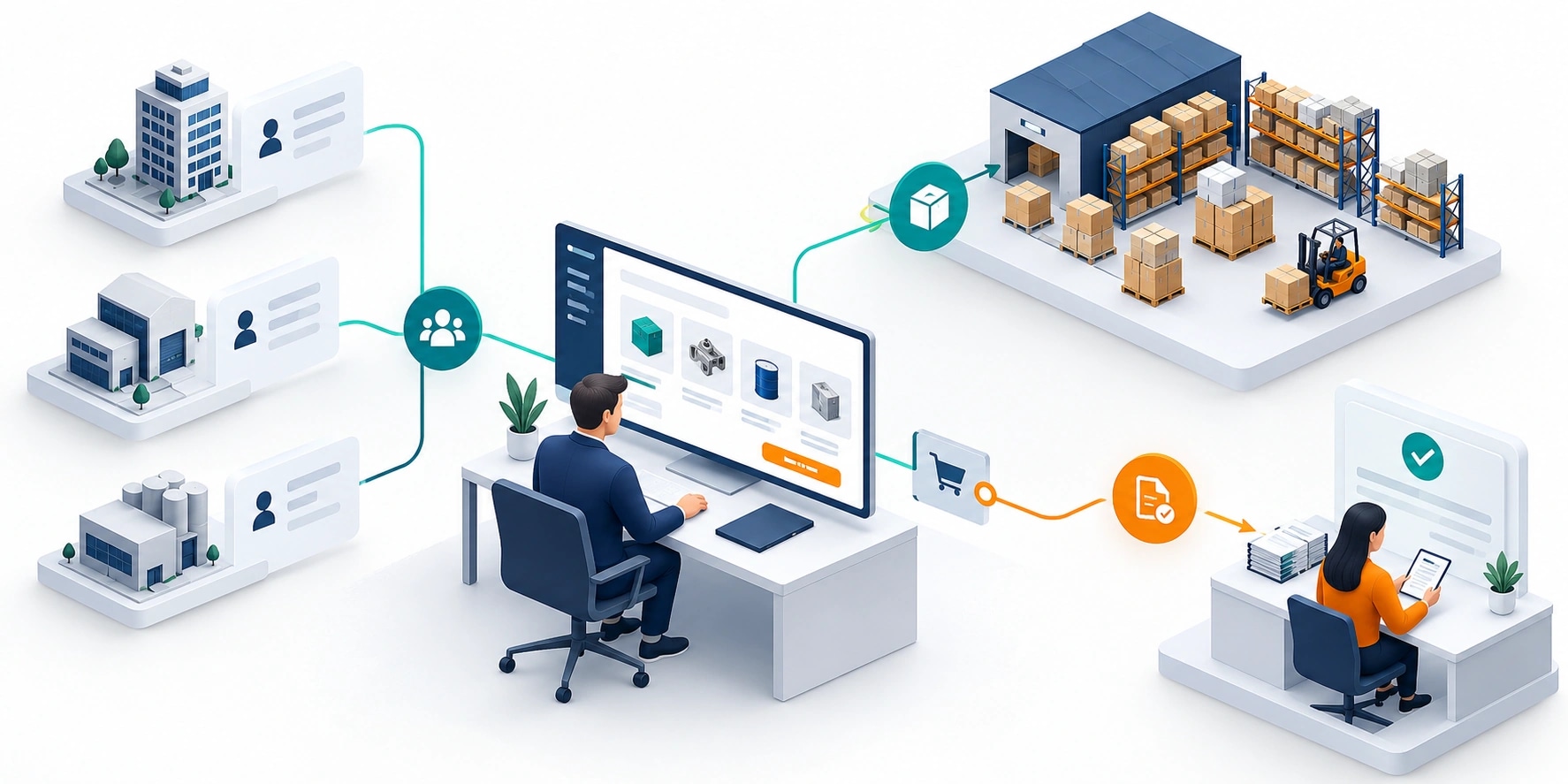
Original AI-generated editorial illustration; it depicts a concept rather than a client deployment or product screenshot.
Introduction
Wholesale ordering involves more than adding several items to a cart. Buyer accounts, negotiated terms, order minimums and credit checks affect whether a request can be accepted. A useful portal exposes those rules clearly while keeping the ERP and operations team involved at the appropriate points. Here is how to evaluate B2B ordering portal against that business need.
What Is B2B ordering portal?
A B2B ordering portal is an account-based digital channel for business buyers to prepare and submit orders under defined commercial and approval rules.
Prices and permissions can differ by buyer and branch. Displayed stock may not represent available-to-promise inventory. Submission, credit approval and fulfilment acceptance are separate events.
B2B commerce is not simply a consumer shop with a wholesale discount; authority and operating rules often differ. The scope should make this distinction clear before the team commits to a solution.
Technical context: Shopify documents B2B development resources and their access conditions. Shopify: Apps and B2B
Why B2B ordering portal Matters
- Prices and permissions can differ by buyer and branch.
- Displayed stock may not represent available-to-promise inventory.
- Submission, credit approval and fulfilment acceptance are separate events.
How to Evaluate and Implement B2B ordering portal
Define the buyer account and catalogue entitlement
Model company locations, buyer roles and authorised delivery addresses. Decide who may see negotiated prices and who may approve an order. Maintain product eligibility and packaging units in a controlled source. A case, a piece and a pallet cannot be interchangeable labels. Buyers need clear quantities and minimum-order rules before submission, rather than discovering them through manual rejection later.
Connect pricing, availability and acceptance
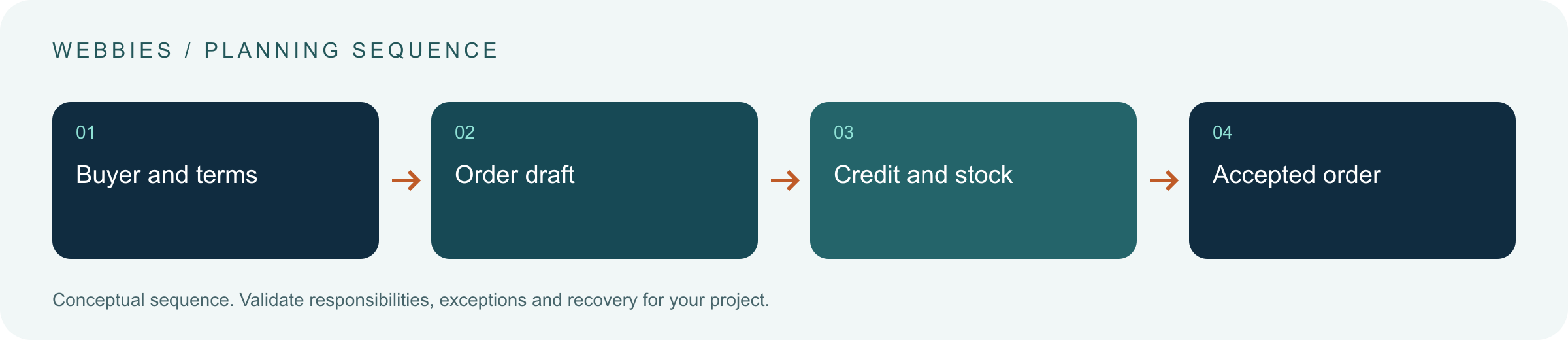
Identify where commercial terms are calculated and when they are checked. Show the distinction between an indicative quote and an accepted order. Use stable references and idempotent submission to prevent duplicates. If credit or stock requires review, preserve the order with an understandable status. The portal should not promise fulfilment simply because the front end has accepted a form.
Support repeat work and operational exceptions
Enable saved lists, reorder drafts and useful search where they match buyer habits. Revalidate old selections against current products and terms. Give operations a queue for blocked accounts, unavailable items and price disputes. Decide how returns, cancellations and substitutions enter the process. These workflows influence total scope and should be discussed before the portal is treated as a replacement for all dealer communication.
Compare the available approaches
| Approach | Suitable starting point | Main limitation or responsibility |
|---|---|---|
| Consumer-style storefront | Simple public pricing and checkout | Limited account-specific process fit |
| Configured B2B platform | Supported standard commercial features | Plan and API eligibility need checking |
| Custom ordering portal | Distinctive approval and integration rules | Requires ongoing product ownership |
A practical example
A hypothetical regional wholesaler begins with authenticated catalogue access and order requests. Orders over a buyer's delegated authority require approval, while credit exceptions remain with finance. The portal retains the request and shows its current state. Reordering creates a fresh draft checked against current terms. This avoids silently repeating an outdated price or discontinued product from a previous purchase.
An acceptance test worth running
Create an order with mixed packaging units, a buyer approval limit and an item whose availability changes during checkout. Check the commercial calculation and acceptance state. Reorder from history after a product is retired. The portal should create a reviewable draft under current rules rather than silently repeating obsolete terms or promising stock that has not been allocated.
What to measure
Track accepted orders, correction requests, duplicate prevention, approval delay and buyer completion effort.
Use a representative baseline and record the conditions of the comparison. Agree who reviews failures and what evidence is needed before expanding the scope. For a broader view of the related delivery work, explore Webbies services.
Practical Steps for B2B ordering portal
- Map buyer roles, units, terms and acceptance rules.
- Compare platform capabilities against difficult order scenarios.
- Integrate pricing and order acceptance with clear ownership.
- Pilot repeat orders, exceptions, cancellations and duplicate submissions.
Prepare a useful project brief
| Decision | What to establish |
|---|---|
| Audience | wholesale and distribution businesses modernising order intake |
| First boundary to agree | Map buyer roles, units, terms and acceptance rules. |
| Evidence of useful performance | Track accepted orders, correction requests, duplicate prevention, approval delay and buyer completion effort. |
| Estimate dependency | Commercial-rule variation, buyer hierarchy, ERP integration and post-order workflows drive the estimate. |
Bring sample inputs and an example of an exception to the first discussion. Separate confirmed requirements from assumptions, and identify who can supply missing information. The brief should let a delivery team explain what it needs to investigate before making a detailed commitment.
Common Mistakes to Avoid
- Treating every buyer in a company as an account administrator.
- Calling an order accepted before business checks finish.
- Reusing historical prices without revalidation.
Frequently Asked Questions
What does B2B ordering portal mean in a business project?
A B2B ordering portal is an account-based digital channel for business buyers to prepare and submit orders under defined commercial and approval rules.
How should a team begin evaluating wholesale ordering platform?
Map buyer roles, units, terms and acceptance rules. Compare platform capabilities against difficult order scenarios.
How do we measure whether B2B ecommerce portal is useful?
Track accepted orders, correction requests, duplicate prevention, approval delay and buyer completion effort.
What affects the cost or timeline of B2B ordering portal?
Commercial-rule variation, buyer hierarchy, ERP integration and post-order workflows drive the estimate. A delivery estimate should follow a review of these dependencies.
What is a common misconception about B2B ordering portal?
B2B commerce is not simply a consumer shop with a wholesale discount; authority and operating rules often differ.
Conclusion
A wholesale portal needs clear commercial entitlements and verifiable order acceptance. Make the exception journey as understandable as the ordinary purchase. Plan a B2B ordering workflow with Webbies.
Sources and further reading
- Shopify: Apps and B2B — primary technical reference, checked during research on 30 October 2026.
Discuss your project
Plan a B2B ordering workflow. Share the current workflow, intended users, existing systems and the decision you need to make; the next step can be a 20–30 minute discovery discussion.