Shopify ERP Integration: Plan Orders, Inventory and Returns
TL;DR: Shopify ERP integration exchanges commerce and enterprise records between Shopify and an ERP under defined ownership, mapping and recovery rules. Map variants, locations and source ownership. A connector installation does not establish that its mappings fit your commercial and fulfilment rules.
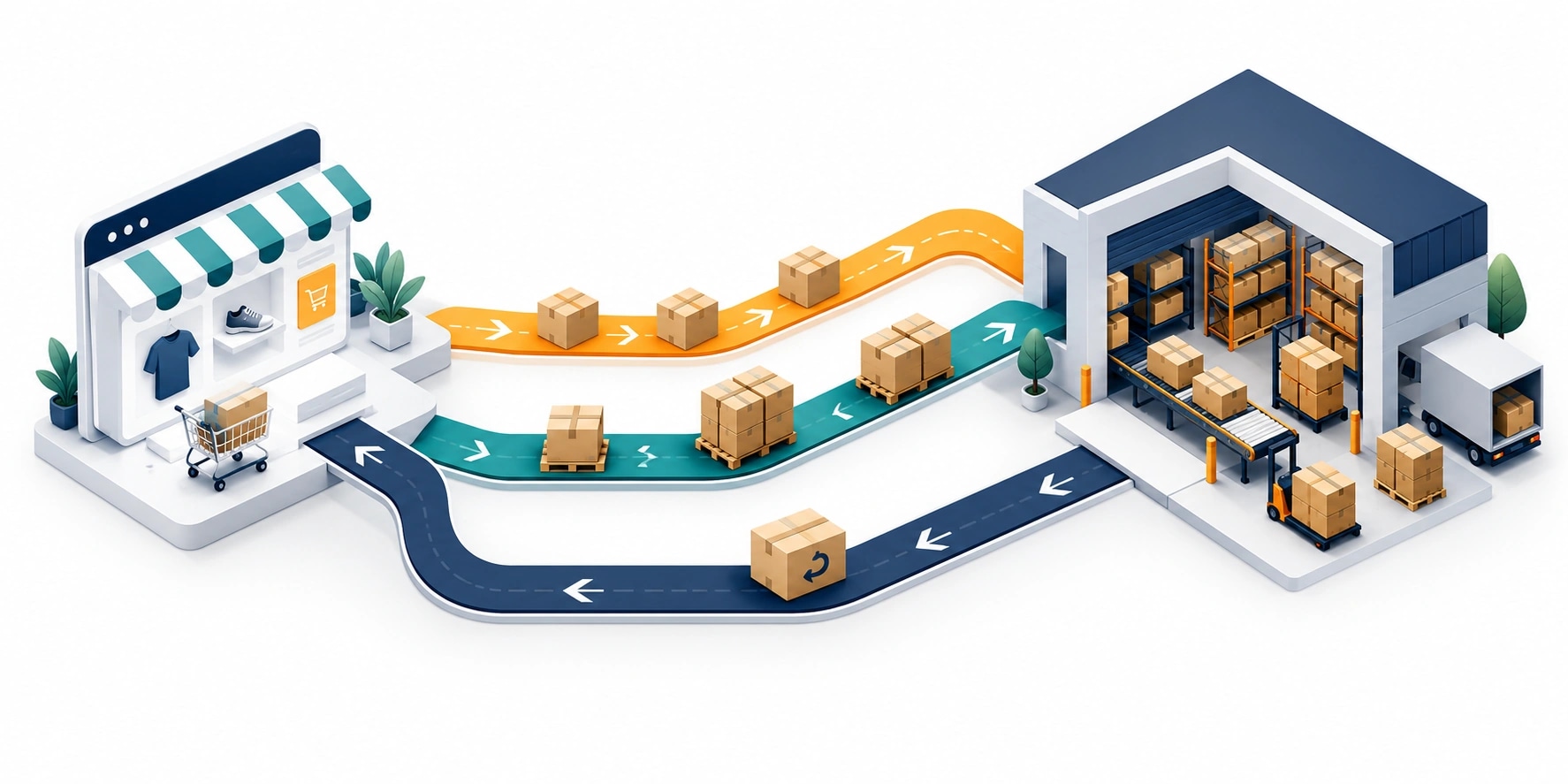
Original AI-generated editorial illustration; it depicts a concept rather than a client deployment or product screenshot.
Introduction
An online order crosses several business boundaries before it becomes a dispatched shipment and a settled payment. Stock, order and return records need to remain understandable in each system. The useful integration contract defines authority, timing and recovery instead of simply promising real-time synchronisation. Here is how to evaluate Shopify ERP integration against that business need.
What Is Shopify ERP integration?
Shopify ERP integration exchanges commerce and enterprise records between Shopify and an ERP under defined ownership, mapping and recovery rules.
Channel stock may differ from physical warehouse stock. Returns and cancellations change previously transferred orders. Duplicate events can create duplicate business work.
A connector installation does not establish that its mappings fit your commercial and fulfilment rules. The scope should make this distinction clear before the team commits to a solution.
Technical context: Shopify describes webhooks as event notifications that can support synchronisation workflows. Shopify: About webhooks
Why Shopify ERP integration Matters
- Channel stock may differ from physical warehouse stock.
- Returns and cancellations change previously transferred orders.
- Duplicate events can create duplicate business work.
How to Evaluate and Implement Shopify ERP integration
Define the authoritative records
Map product variants, units, locations, customers and tax-related fields with the appropriate business owners. Decide whether Shopify or the ERP owns each field. Distinguish stock on hand, reserved stock and the amount available to a channel. Keep external identifiers stable. A connector that maps two quantity fields without agreeing their meaning can create incorrect availability even when the transfer itself succeeds.
Design order events for repeat delivery
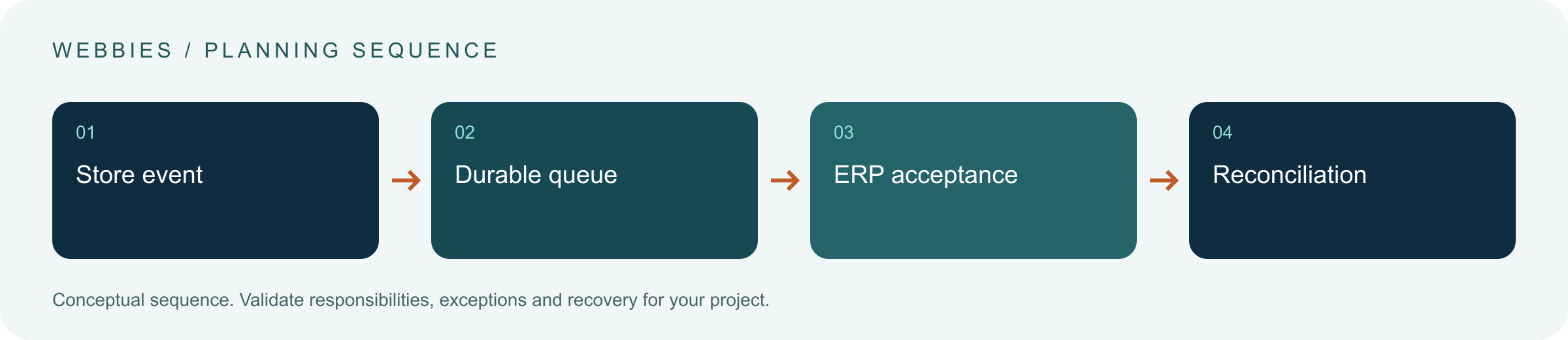
Validate webhook authenticity and persist events before processing longer work. Use idempotent handlers and stable order references. Handle a failure after the ERP creates a record but before the store receives confirmation. Decide how amendments are represented: a change to an existing order is not necessarily a new order. Test the sequence the store actually produces, including orders that are cancelled shortly after creation.
Include the reverse journey
Model returns, refunds, rejected fulfilment and restocking separately. A refund does not always imply that stock has been physically returned. Build a reconciliation view showing records waiting for acceptance and differences that need review. Confirm current API and platform capabilities during implementation. The scope should include monitoring and version maintenance, not end with the first order successfully transferred.
Compare the available approaches
| Approach | Suitable starting point | Main limitation or responsibility |
|---|---|---|
| Scheduled stock file | Batch-compatible availability | Delay and partial-file handling |
| API plus webhooks | Event-driven order flow | Retries and reconciliation |
| Managed connector | Supported standard mapping | Verify edge cases and ownership |
A practical example
A hypothetical multi-location retailer assigns the ERP ownership of channel stock allocations. Shopify sends order events into a durable queue. The connector uses the store's external order reference to avoid duplicate creation, and returns are reviewed before restocking. Operations can inspect unresolved records. This is a design example, not a claim that all ERP connectors support the same capabilities.
An acceptance test worth running
Create an order, fail its transfer after ERP creation and then submit a cancellation. Verify the external reference, duplicate protection and final states in both systems. Process a refund before physical return and confirm that stock is not automatically restored unless the agreed rule permits it. Include a multi-location case so quantities do not silently move between warehouses.
What to measure
Track accepted transfers, stock differences, duplicates, unresolved records and correct return handling.
Use a representative baseline and record the conditions of the comparison. Agree who reviews failures and what evidence is needed before expanding the scope. For a broader view of the related delivery work, explore Webbies services.
Practical Steps for Shopify ERP integration
- Map variants, locations and source ownership.
- Define stock meaning and order acceptance.
- Test duplicates, amendments, returns and partial failure.
- Assign reconciliation, monitoring and API upgrade ownership.
Prepare a useful project brief
| Decision | What to establish |
|---|---|
| Audience | commerce and operations teams connecting a store to an ERP |
| First boundary to agree | Map variants, locations and source ownership. |
| Evidence of useful performance | Track accepted transfers, stock differences, duplicates, unresolved records and correct return handling. |
| Estimate dependency | ERP interfaces, location count, order variation, historical data and recovery expectations shape scope. |
Bring sample inputs and an example of an exception to the first discussion. Separate confirmed requirements from assumptions, and identify who can supply missing information. The brief should let a delivery team explain what it needs to investigate before making a detailed commitment.
Common Mistakes to Avoid
- Equating refunds with automatic restocking.
- Creating orders again after an uncertain response.
- Ignoring multi-location stock rules.
Frequently Asked Questions
What does Shopify ERP integration mean in a business project?
Shopify ERP integration exchanges commerce and enterprise records between Shopify and an ERP under defined ownership, mapping and recovery rules.
How should a team begin evaluating Shopify inventory sync?
Map variants, locations and source ownership. Define stock meaning and order acceptance.
How do we measure whether ecommerce ERP order integration is useful?
Track accepted transfers, stock differences, duplicates, unresolved records and correct return handling.
What affects the cost or timeline of Shopify ERP integration?
ERP interfaces, location count, order variation, historical data and recovery expectations shape scope. A delivery estimate should follow a review of these dependencies.
What is a common misconception about Shopify ERP integration?
A connector installation does not establish that its mappings fit your commercial and fulfilment rules.
Conclusion
A store-to-ERP connection must cover amendments and returns as well as new orders. Agree ownership and check final business states before calling the integration complete. Plan a Shopify-to-ERP integration with Webbies.
Sources and further reading
- Shopify: About webhooks — primary technical reference, checked during research on 30 October 2026.
Discuss your project
Plan a Shopify-to-ERP integration. Share the current workflow, intended users, existing systems and the decision you need to make; the next step can be a 20–30 minute discovery discussion.