Enterprise Customer Portal: Design Secure Self-Service Workflows
TL;DR: An enterprise customer portal is an authenticated digital workspace through which customer organisations access selected information and business workflows. Prioritise repeated customer questions and requests. A portal is not just a login page added to a website; it introduces a business-specific access and operating model.

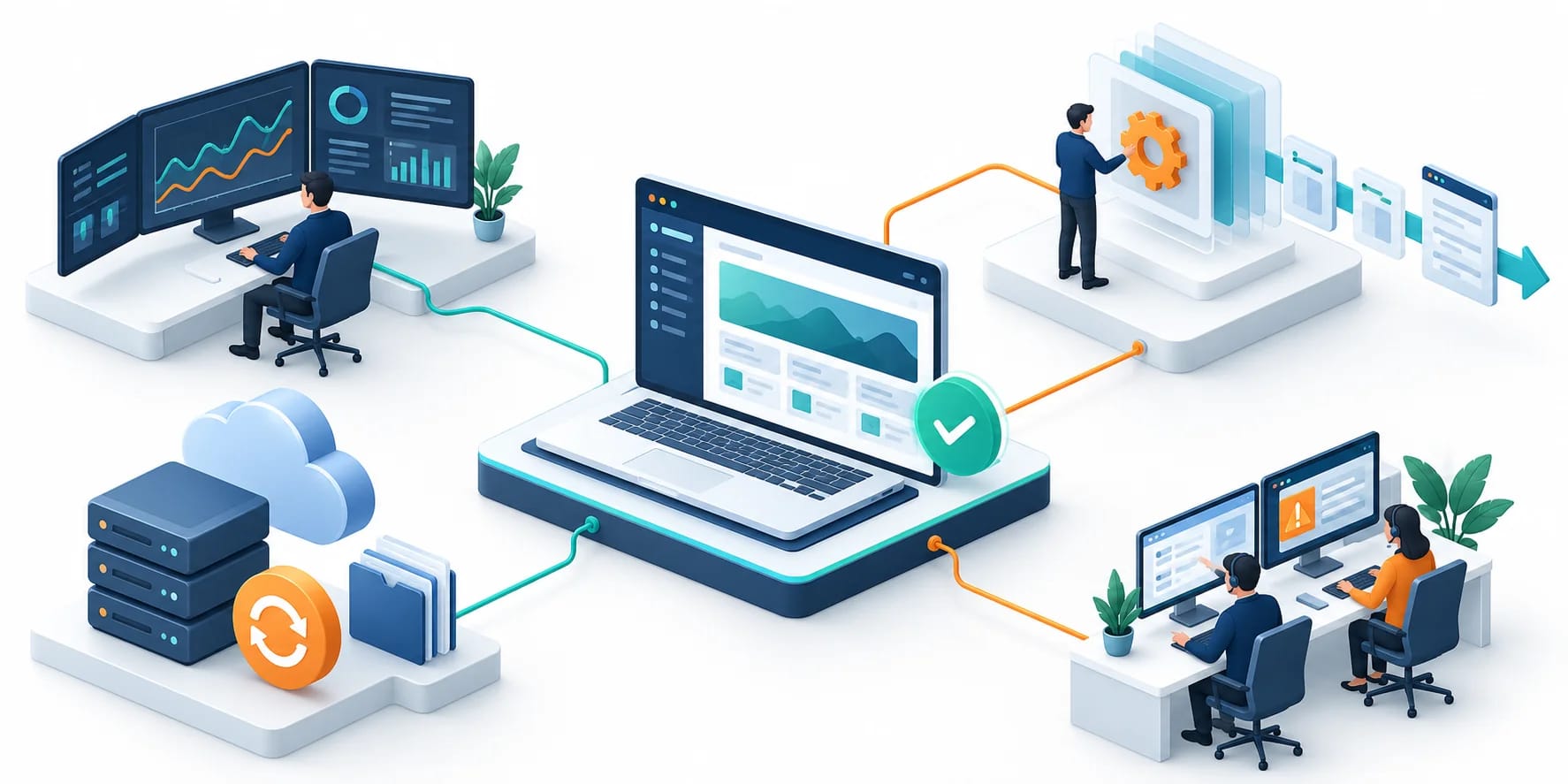
Original AI-generated editorial illustration; it depicts a concept rather than a client deployment or product screenshot.
Introduction
Customers should not need to call a relationship manager for every document or status update. Yet self-service is useful only when the information is current and the right person can act on it. Start with the requests that create repeated work and a reliable source for each answer. Here is how to evaluate enterprise customer portal against that business need.
What Is enterprise customer portal?
An enterprise customer portal is an authenticated digital workspace through which customer organisations access selected information and business workflows.
Customer organisations contain different users and authorities. Information copied between systems can become inconsistent. Self-service actions need clear completion and escalation states.
A portal is not just a login page added to a website; it introduces a business-specific access and operating model. The scope should make this distinction clear before the team commits to a solution.
Technical context: OWASP provides application-level guidance for enforcing authorisation. OWASP: Authorization cheat sheet
Why enterprise customer portal Matters
- Customer organisations contain different users and authorities.
- Information copied between systems can become inconsistent.
- Self-service actions need clear completion and escalation states.
How to Evaluate and Implement enterprise customer portal
Model the customer organisation
Separate organisations, branches, users and roles. Specify who can view records, invite colleagues, submit requests and approve changes. Plan account creation, offboarding and delegated administration. Test whether a user can access another customer's records by changing an identifier. A portal's confidentiality depends on server-side authorisation, not simply on hiding navigation items in the interface.
Choose a trustworthy source for every view
List the origin and expected freshness of orders, invoices, documents and support status. If data is cached, show an appropriate update time. Avoid creating a second editable master record without an ownership rule. Build around a few recurring customer questions before assembling a large dashboard. A clear answer to one important question can reduce more friction than a screen full of unreliable indicators.
Design actions and exceptions
Separate requesting a change from a confirmed business transaction. Show pending approvals and explain what happens next. Provide a durable reference and a support route for failed actions. Test account restrictions, unavailable systems and partial document access. Consider notification preferences and access to historical records. A portal should make it easier to understand the current state, including when a person must resolve an exception.
Compare the available approaches
| Approach | Suitable starting point | Main limitation or responsibility |
|---|---|---|
| Public website | General information | No account-specific workspace |
| Customer portal | Private records and self-service | Needs organisational access controls |
| Internal dashboard | Employee oversight and operations | Different users and authority model |
A practical example
A hypothetical professional-services business releases a portal for project documents, milestone approvals and service requests. Each client organisation has separate user roles, and approved documents retain versions. Billing information remains read-only from the finance system. The team adds new actions only after it can verify that permissions and status updates work correctly for a small customer group.
An acceptance test worth running
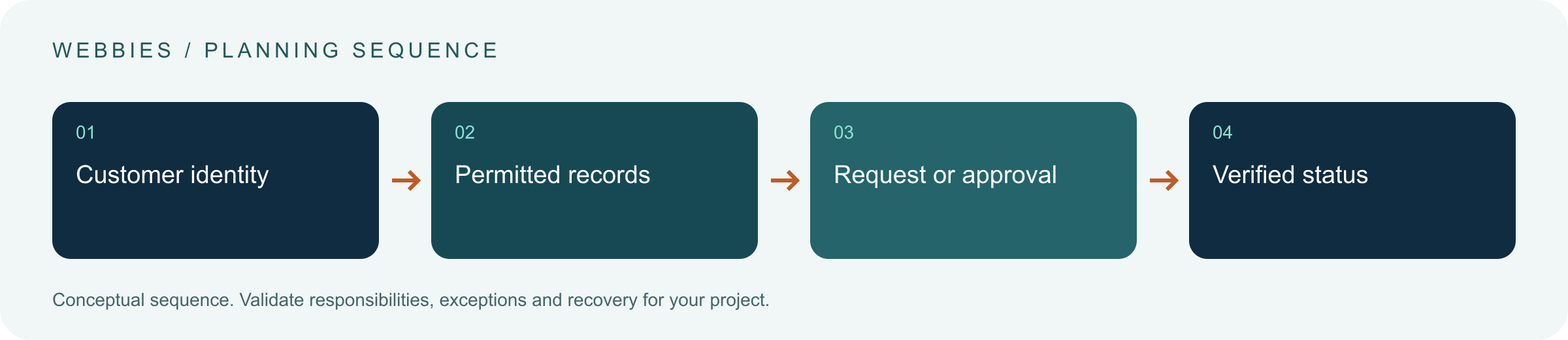
Invite a user to one customer organisation and attempt to access another organisation's records through a direct URL and a changed identifier. Remove the user and test historical sessions. Submit a request while the destination system is unavailable. The portal should preserve the unresolved state and a usable reference without claiming that the business action has completed.
What to measure
Measure completed self-service tasks, repeated support requests, data freshness and permission isolation.
Use a representative baseline and record the conditions of the comparison. Agree who reviews failures and what evidence is needed before expanding the scope. For a broader view of the related delivery work, explore Webbies services.
Practical Steps for enterprise customer portal
- Prioritise repeated customer questions and requests.
- Define organisation, role and invitation rules.
- Map each view and action to its authoritative system.
- Test cross-customer isolation and end-to-end action receipts.
Prepare a useful project brief
| Decision | What to establish |
|---|---|
| Audience | enterprise product teams designing account-based self-service |
| First boundary to agree | Prioritise repeated customer questions and requests. |
| Evidence of useful performance | Measure completed self-service tasks, repeated support requests, data freshness and permission isolation. |
| Estimate dependency | Account hierarchy, single sign-on, integrations, document controls and workflow approvals determine effort. |
Bring sample inputs and an example of an exception to the first discussion. Separate confirmed requirements from assumptions, and identify who can supply missing information. The brief should let a delivery team explain what it needs to investigate before making a detailed commitment.
Common Mistakes to Avoid
- Using interface visibility as the only permission check.
- Displaying old data as live status.
- Adding actions without ownership of failed requests.
Frequently Asked Questions
What does enterprise customer portal mean in a business project?
An enterprise customer portal is an authenticated digital workspace through which customer organisations access selected information and business workflows.
How should a team begin evaluating B2B customer self service?
Prioritise repeated customer questions and requests. Define organisation, role and invitation rules.
How do we measure whether secure customer portal is useful?
Measure completed self-service tasks, repeated support requests, data freshness and permission isolation.
What affects the cost or timeline of enterprise customer portal?
Account hierarchy, single sign-on, integrations, document controls and workflow approvals determine effort. A delivery estimate should follow a review of these dependencies.
What is a common misconception about enterprise customer portal?
A portal is not just a login page added to a website; it introduces a business-specific access and operating model.
Conclusion
Self-service is useful when the right customer sees current information and understands what an action achieved. Organisational access and business-state design belong at the centre of the portal. Scope a customer self-service portal with Webbies.
Sources and further reading
- OWASP: Authorization cheat sheet — primary technical reference, checked during research on 30 October 2026.
Discuss your project
Scope a customer self-service portal. Share the current workflow, intended users, existing systems and the decision you need to make; the next step can be a 20–30 minute discovery discussion.