3D Material Visualiser: Turn Surface Choices into a Clearer Shortlist
TL;DR: A 3D material visualiser lets customers compare surfaces within a room instead of judging each sample in isolation. The useful business outcome is a shortlist with correct product references and a clear sample or enquiry route. Webbies can connect room design, material data and web development around that decision.
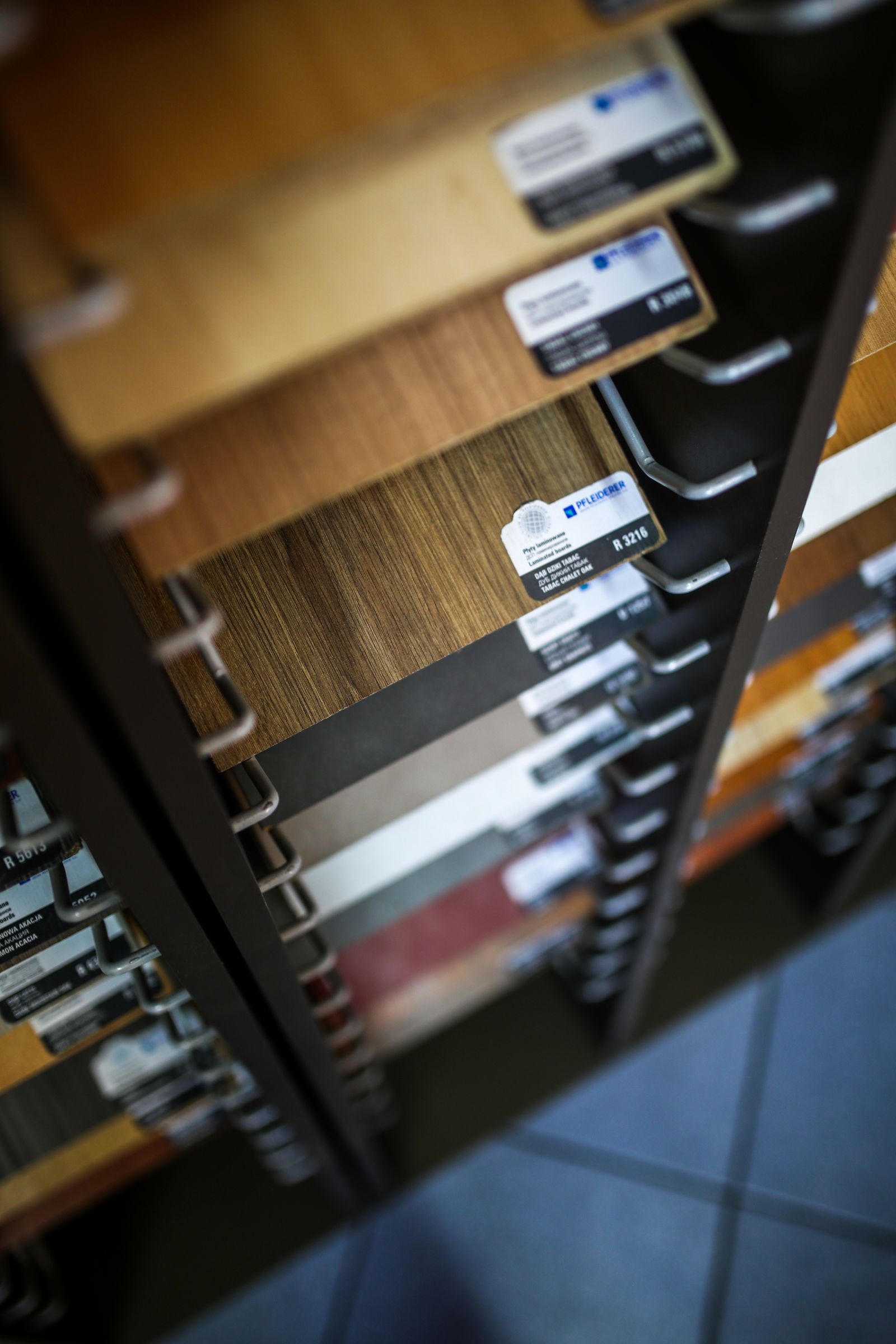
Illustrative photography by Karolina Grabowska / Kaboompics / Pexels.
Introduction
A customer likes three finishes in a showroom but cannot picture how they work together. A 3D material visualiser can help them compare the combination before deciding which samples to request or discuss with a designer.
The challenge is larger than putting attractive textures on a model. Product codes must stay correct, controls must be understandable and the room should remain usable on the devices your customers bring. Otherwise, an impressive scene can leave the buying conversation exactly where it started.
Webbies’ CenturyPly Design Navigator project is an online visualiser for exploring surfaces and finishes in an interior. Its documented focus on room context and finish comparison provides a practical starting point for planning similar tools.
What Is a 3D Material Visualiser
A 3D material visualiser is an interactive scene that applies selectable material representations to surfaces so users can compare combinations in context.
A material representation may include colour, pattern and surface appearance. The product record behind it carries the business information: name, code, category and whatever specification is needed to identify the real material. These two layers must stay connected.
Visualisation supports exploration. It does not replace a physical sample or product specification, and a scene should not quietly imply that every displayed combination is available. Make the boundary between an illustration and an orderable product clear.
Why Material Selection Becomes Difficult
People often struggle because the decision is spread across several places:
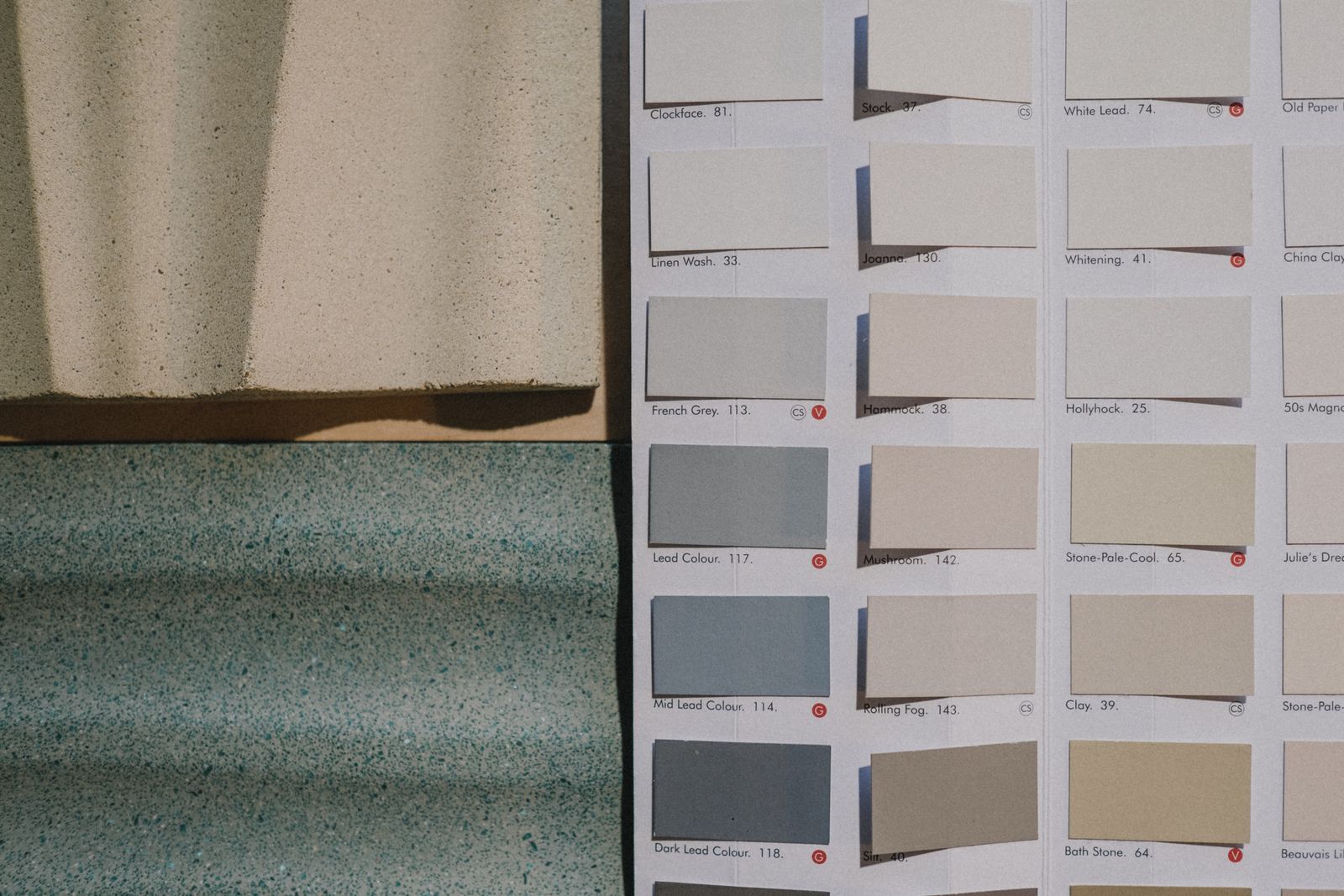
- A small swatch shows one material without the surrounding room.
- A catalogue carries the code but not the customer’s preferred combination.
- A screenshot records an image but loses the product references.
- A sales conversation starts again because the previous shortlist was not saved.
Addressing those gaps can make an enquiry more specific. It may also help a sales team explain the range with less repetition. Whether it improves conversion or reduces consultation time needs to be measured in your own setting.
How to Plan the Visualiser Around a Decision
Choose a limited room and surface set
Begin with a room your audience recognises and a manageable set of changeable surfaces. For example, a kitchen could allow cabinet fronts and a selected surrounding surface, with clear labels showing what each control affects.
Avoid making everything editable in the first release. Each additional surface adds material assets, combinations and testing. A focused room is easier to assess with customers and easier to maintain when the catalogue changes.
Compare the presentation options
| Format | Useful for | Main limitation to consider |
|---|---|---|
| Static product photographs | Showing the real product and texture | Limited combination testing |
| Prepared scene with surface changes | Comparing finishes in a consistent setting | The room may differ from the customer’s space |
| Interactive 3D room | Exploring combinations and viewpoints | More asset preparation and device testing |
Use this comparison to select a first product, not to declare one format universally better. Shopify’s product-media documentation recognises images, video and 3D models as different media options; your customer task should determine which are worth preparing.
Organise the catalogue before adding controls
Create one reliable record for each selectable material. Keep naming, product codes and asset versions consistent. Decide who approves a new finish, who removes a discontinued one and how existing saved selections are handled.
Filters should match the questions customers ask. A designer may search by appearance, while a dealer may need an exact code. Provide both routes where the audience needs them, without forcing every visitor through a technical specification form.
Design comparison and recovery
Let people return to an earlier combination. Preserve the viewpoint when comparing finishes so the presentation itself does not change the judgement. A reset control should say whether it resets one surface or the entire room.
Test the experience on a modest phone as well as a powerful laptop. If the interactive scene is unavailable, the customer should still be able to see product information and make an enquiry. A fallback catalogue is part of the buying journey, not an afterthought.
Make the saved selection useful to staff
A shortlist should include product codes, selected surfaces and a visual reference. Pass those details into the sample or enquiry process so the next person does not have to reconstruct the session from memory.
An illustrative pilot measure could be the share of enquiries that include complete material references. You can also ask staff how often they need to contact customers again for missing information. These are proposed checks, not reported CenturyPly results.
How Webbies can help
For CenturyPly Design Navigator, Webbies brought web design, 3D visualisation and development together around comparing finishes in an interior. The project demonstrates the type of connected experience the studio covers, rather than proving a universal commercial outcome.
Webbies can help your team define the room scope, organise the product journey, design controls and develop the web experience. A discovery discussion should cover asset ownership, catalogue maintenance, performance and the exact handoff to sales or samples. See our website development services.
Practical Steps for a First Release
- Choose one audience and one room decision. Write down what the customer should leave with.
- Audit the material records and visual assets. Resolve missing codes before building a large selection menu.
- Select a small set of representative finishes. Include patterns and surfaces that are difficult to compare.
- Prototype switching, undoing and saving. Watch people use it on their own devices.
- Connect the shortlist to an existing staff workflow. Test the exact information received by the next person.
- Review performance and enquiry quality during a pilot. Expand only where the evidence supports more choice.
Common Mistakes to Avoid
- Treating a render as a promise of exact colour or texture.
- Launching more surfaces than the team can maintain.
- Showing discontinued materials without an explanation.
- Requiring a powerful device for basic product information.
- Saving a picture without the associated product codes.
Frequently Asked Questions
Is a 3D material visualiser suitable for a small catalogue?
It can be, when customers need to compare combinations. A smaller, well-prepared set of materials may be a stronger starting point than an incomplete large range.
Does interior product visualisation replace showroom samples?
No. It helps customers narrow their choices; physical samples and product specifications remain important when confirming the selection.
What product data does a surface selection tool need?
Start with accurate names, stable codes, categories and approved visual assets. Add the specifications and availability information required by the enquiry or ordering process.
What determines the project budget?
Room complexity, asset preparation, material count, supported devices and integrations all affect scope. Define those choices before comparing estimates.
How can Webbies support business growth with this tool?
Webbies can help connect product exploration with a clearer sample or sales enquiry. The commercial value should be tested through completed journeys and enquiry quality, not assumed from the visual effect.
Conclusion
A material visualiser is most useful when a customer can compare, identify and carry forward a selection. Start with reliable product data and a focused room, then build the controls around that decision. Discuss your material-selection journey with Webbies.
Related Webbies services and projects
Sources and further reading
- Shopify documentation on supporting product media provides a concrete reference for handling different product-media formats.
Plan your project with Webbies
Bring a sample material range and an example customer request to Webbies to define the first useful scene.