Edge AI or Cloud AI for Connected Business Devices
TL;DR: Edge AI runs inference on or near the device that captures the information, while cloud AI uses remote computing services. Choose according to the complete task, connectivity, hardware limits and operating responsibilities; a hybrid design can keep an immediate response local while managing selected information centrally.
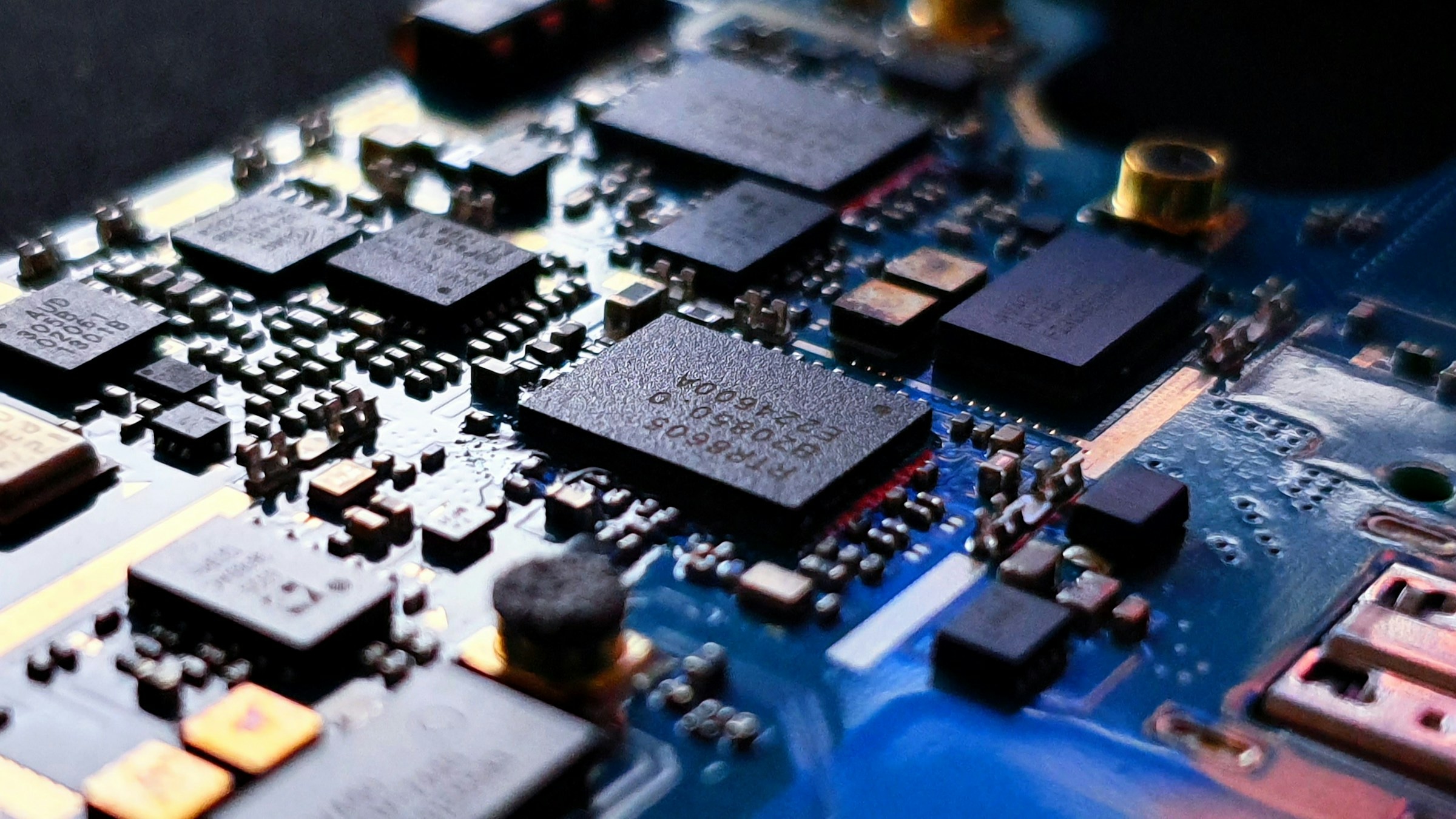
Photography by Yogesh Phuyal / Unsplash
Introduction
Should a camera or connected device send every input to the cloud, or process it locally? Edge AI is a practical architecture choice when a product needs an immediate response, limited connectivity or tighter control over where information travels. It is not automatically the best answer for every connected system.
The current edge software landscape supports more than simple sensor rules. NVIDIA's July 2026 Jetson article discusses multimodal development at the edge [1], while its TensorRT Edge-LLM documentation describes a local inference runtime for supported platforms [2]. Those capabilities create options, but the actual deployment still needs to fit the device and its operating environment.
This guide compares local, cloud and hybrid approaches so a business can choose what to test before committing to a hardware design.
What Is Edge AI
Edge AI is the execution of AI inference on a local device or nearby computing system close to where data is captured or used.
The edge could be a device inside a product, an industrial computer beside a camera or a local gateway serving several sensors. It does not necessarily mean that training, configuration and every supporting service also happen in that location.
A product can make an immediate classification locally and send selected operational information to a central dashboard. Another may rely on a cloud service for an occasional complex request. Define the full information flow rather than deciding the architecture from the label alone.
Why the Deployment Location Matters
Where inference runs affects several parts of the product experience. A model can be technically capable but unsuitable for the device's memory, power or maintenance requirements.
Start with these questions:
- How quickly must the complete system respond to the event.
- What should continue working when connectivity is unavailable.
- Which information may leave the device and for what purpose.
- Who installs updates and investigates faults at each location.
- What happens if the model or device cannot produce a valid result.
These are product and operating decisions as well as engineering decisions. Bring the people responsible for the physical device, business process and software into the same discussion.
How to Compare Edge and Cloud Designs
Evaluate a complete scenario
An illustrative warehouse application might inspect a label at a local station and show an operator whether the capture was readable. A central system could manage the expected product data and review selected exceptions. The task determines which information needs to move.
Compare the alternatives using the same inputs and acceptance criteria. Include the actual connection and capture conditions. A favourable benchmark for the model alone does not demonstrate that the full workflow will fit the site.
| Design | Useful characteristic | Responsibility to plan |
|---|---|---|
| Edge | A local response can be designed without a round trip to a remote service | Hardware capacity, device security and field updates |
| Cloud | Central computing and service management can support remote requests | Connectivity, transfer, latency and service behaviour |
| Hybrid | Different parts of the task can run in different locations | Synchronisation, data boundaries and fallback rules |
This table does not rank privacy or cost as universal winners. A poorly managed local device can expose information, and an overcomplicated hybrid system can be difficult to maintain. Test the design you intend to operate.
Budget for more than the model file
Check memory use, startup time, storage and the other applications sharing the device. A model that fits in isolation may behave differently while the system captures video, stores records and serves an interface.
Include the surrounding environment in testing. If the device is intended to operate continuously, test sustained use rather than only a short demonstration. Agree on the conditions under which the system reduces its workload, signals an issue or hands the task to an operator.
Define the behaviour during a connection failure
Offline operation should be a specific requirement, not a vague claim. Identify which tasks must still work, which records can be queued and which actions must wait for a current central source.
For a lookup-dependent task, distinguish the last locally available data from current information. If an operator is seeing a cached configuration, make its status understandable. Decide what happens to queued events when the connection returns, including duplicate handling and conflicting updates.
Separate local processing from data governance
Keeping inference local can reduce the need to transmit certain inputs, but it does not determine every data-handling decision. The system may still retain images, upload logs or export information during support.
Draw a data-flow diagram showing capture, processing, storage, review and deletion. For each step, state the permitted destination and the owner. Review support access and device replacement as well as ordinary use, since maintenance can create additional paths for information to move.
Design updates as a normal operating activity
A deployed device needs a controlled route for application, model and configuration changes. Decide how a team identifies what is running, verifies an update and returns to a previous working version if necessary.
An update may change how the product behaves even when its physical interface looks the same. Keep release notes connected to the relevant evaluation results. The operating team should know which conditions were tested and what changed before accepting a new version across several locations.
Compare cost at the intended scale
Include devices, installation, support, connectivity, central services and replacement. A cloud-only proof of concept and a maintained fleet of devices do not have the same cost structure. Use the same workload when comparing them.
Avoid promising a saving based only on reduced model calls. A local design may be valuable because it meets an operational requirement, even if it is not the cheapest option on a narrow usage calculation. State which requirement is driving the decision.
Practical Steps for an Edge AI Pilot
- Define the local task and its response requirements. Identify what must happen during a connection failure.
- Map the information flow and approved storage locations. Include diagnostics and maintenance access.
- Select candidate hardware and model configurations. Check compatibility against the platform's current documentation.
- Test the complete workload under expected conditions. Include sustained operation and unavailable services.
- Prototype device status and operator recovery. Make stale data, queued events and processing failures visible.
- Plan deployment, monitoring and rollback before scaling. Assign ownership for both hardware and software maintenance.
Common Mistakes to Avoid
- Assuming a smaller model automatically makes a production-ready device.
- Measuring only inference while ignoring capture, transfer and response time.
- Calling a product offline without defining which features still work.
- Treating local processing as a complete privacy or security policy.
- Deploying devices without a practical update and rollback process.
Another mistake is treating every site as identical. If the product will be installed in different locations, include those variations in the pilot plan. A useful first deployment should teach the team what must be standardised and what needs site-specific configuration.
Frequently Asked Questions
When should a business choose edge AI over cloud AI?
Consider it when the task has a strong local response, connectivity or information-flow requirement. Compare complete designs using representative workloads before deciding.
Does on device AI always work without the internet?
No. Local inference can operate without a remote request, but other features may depend on connectivity unless they are designed to work offline.
Can IoT AI integration use both local and cloud services?
Yes. A hybrid design can allocate different tasks to different locations, provided synchronisation and failure behaviour are defined.
Is edge AI cheaper than a cloud service?
It depends on workload, hardware, installation, maintenance and service usage. Compare total operating costs for the same task and scale.
Does keeping a model local guarantee privacy?
No. Storage, diagnostics, support access and information sent elsewhere still need appropriate controls.
Conclusion
Choose the inference location that serves the task and can be maintained by the operating team. Test connectivity failure, sustained workloads and updates alongside model quality before scaling a connected product. Discuss an edge and IoT workflow with Webbies.
Related reading
- Webbies IoT services for connected hardware, dashboards and software integration.
- Webbies Generative AI services for edge AI and computer vision capabilities.
Sources
- [1] NVIDIA Build AI Anywhere With Jetson, 28 July 2026. Current examples of multimodal development at the edge.
- [2] NVIDIA TensorRT Edge-LLM overview, accessed 27 October 2026. Runtime and supported-platform context.