
Case study Apps & AI
All case studiesREHAU — Case Study
Bringing material discovery, AI-assisted matching, and surface visualization into one mobile experience.
Overview
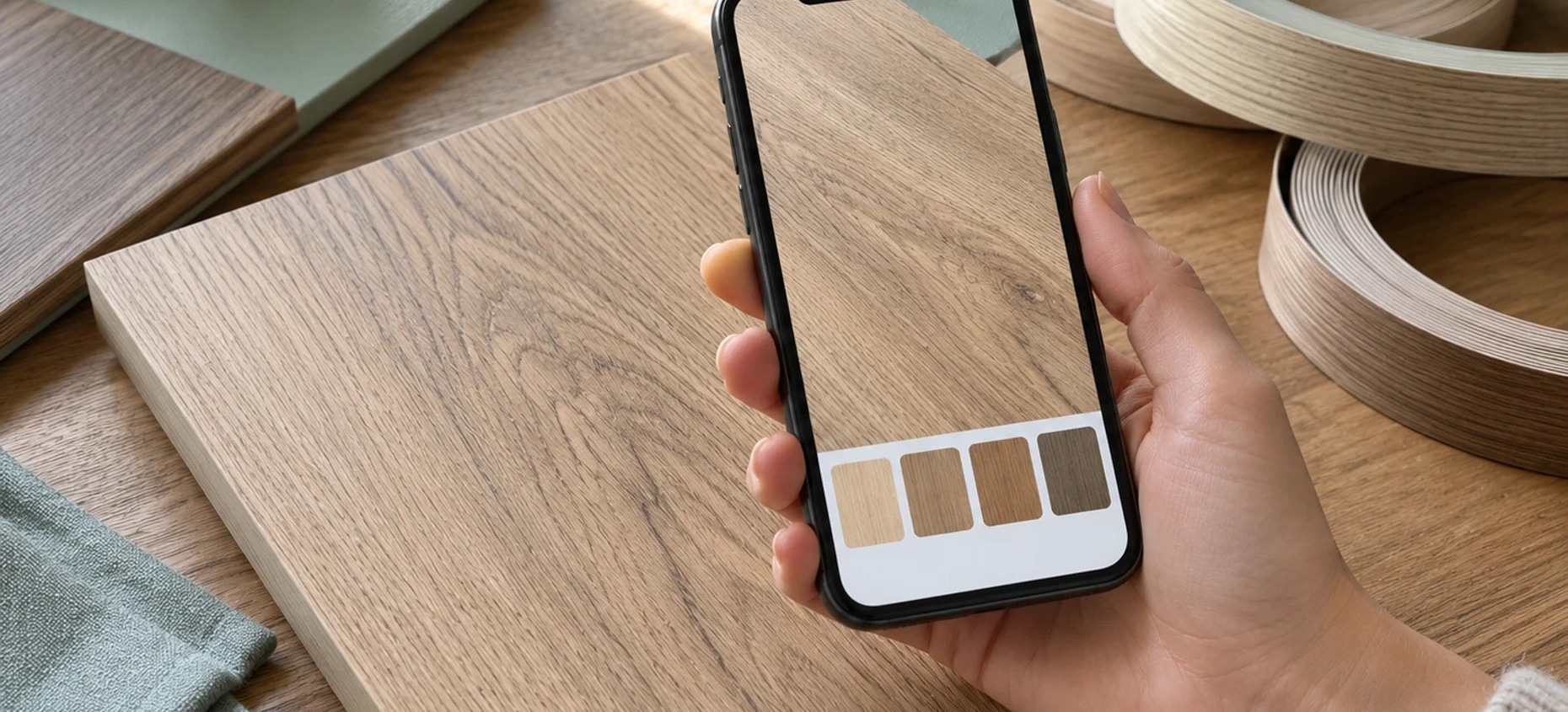
REHAU’s Lookbook App brings an interactive digital catalogue and AI-powered surface matching into a mobile experience developed by Webbies. It connects material browsing with visual comparison, helping users explore surface combinations in the context of their design choices.
Context and Challenge
Material selection involves comparing surfaces and understanding how finishes work together. REHAU needed a mobile catalogue that could make those choices easier to explore than a collection of isolated samples.
Solution
Webbies developed the Lookbook around interactive catalogue browsing, surface visualisation and product information. The supplied portfolio also describes AI-powered matching to connect material discovery with suggested combinations.
The project record distinguishes the released first phase on iOS and Android from further matching and catalogue expansion work. Planned capabilities are kept separate from the delivered first-phase scope.
The Outcome
The first-phase Lookbook provides a mobile route to REHAU material exploration, including the documented uPVC and edgeband scope. The wider product direction brings catalogue browsing and intelligent surface matching into a connected selection journey.
The Impact
Designers and customers can bring material browsing and product details into the same conversation. The intended benefit is more informed surface selection; the source material does not quantify time saved, adoption or sales impact.
Features
Interactive digital lookbook
The app presents materials in a visual catalogue, with product cards that pair surface previews with product names and material information. Brand filters and view options give users different ways to explore the collection.
AI-powered surface matching
Intelligent surface matching supports material selection through AI recommendations. In the visualizer shown, recommended swatches appear alongside the selected surface combination, giving users additional options to consider as they explore a design.
2D surface visualization
The visualizer places laminate and edgeband selections together in a shared preview. Material selectors and zoom controls support closer inspection of the combination, connecting individual swatches to a broader visual context.
Product details within reach
A visible “View Product Details” action connects the visualization experience with further product exploration. Users can move from considering a surface combination to learning more about a material.
A connected selection experience
Together, the lookbook, visualizer, and recommendations support three practical needs:
Discover: Browse materials through a visual digital catalogue.
Compare: Consider laminate and edgeband combinations in a 2D preview.
Explore further: Review AI-recommended alternatives and access product details.
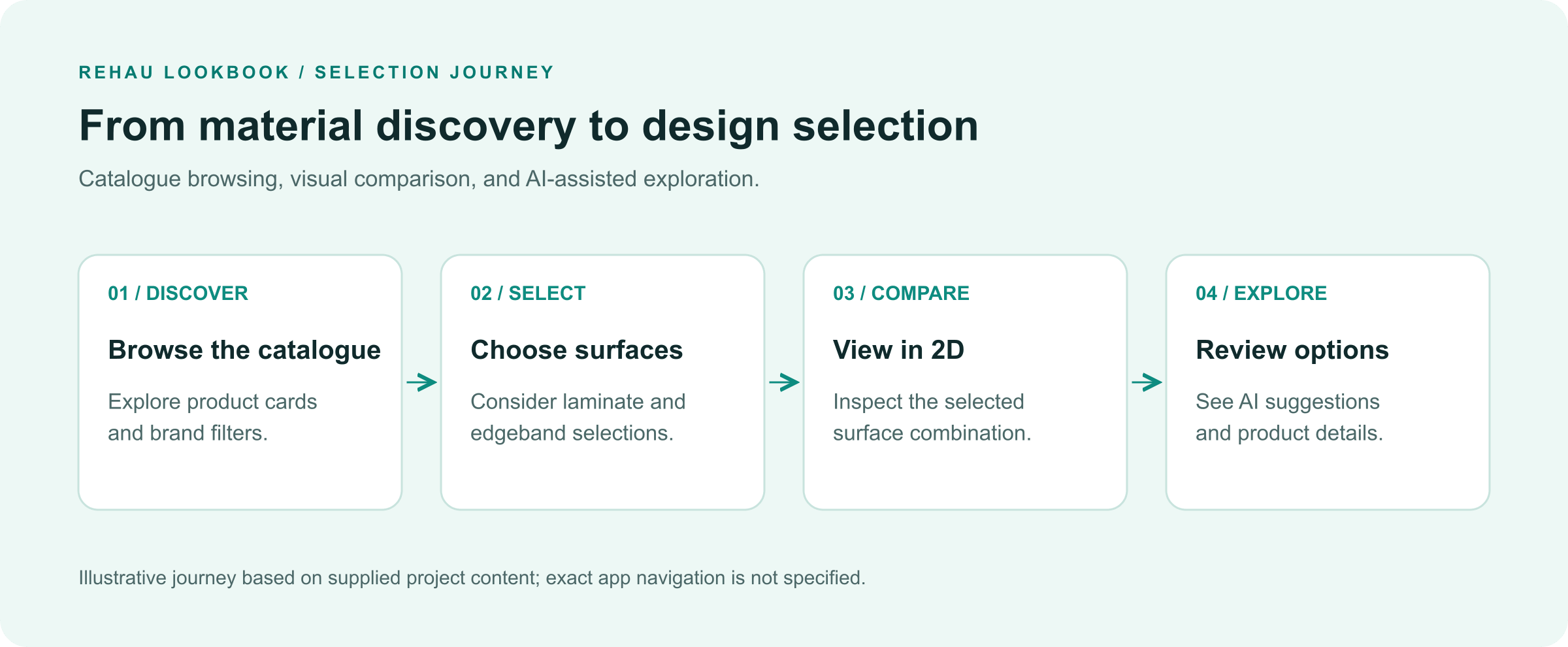
Illustrative selection journey based on the capabilities visible in the supplied project image; it does not specify the app’s exact navigation sequence.
Explore further
Let’s make a start
Tell us what
you have in mind.
Choose a service to start the conversation.
Continue with AI development & generative AI