UX Audit: Find the Friction Behind Weak Product Adoption
TL;DR: A UX audit is a structured review of a product's user journeys, evidence and interface behaviour to identify obstacles to successful task completion. Select a business-critical journey. A UX audit does not need to result in a full redesign; a process or content change may solve the problem.
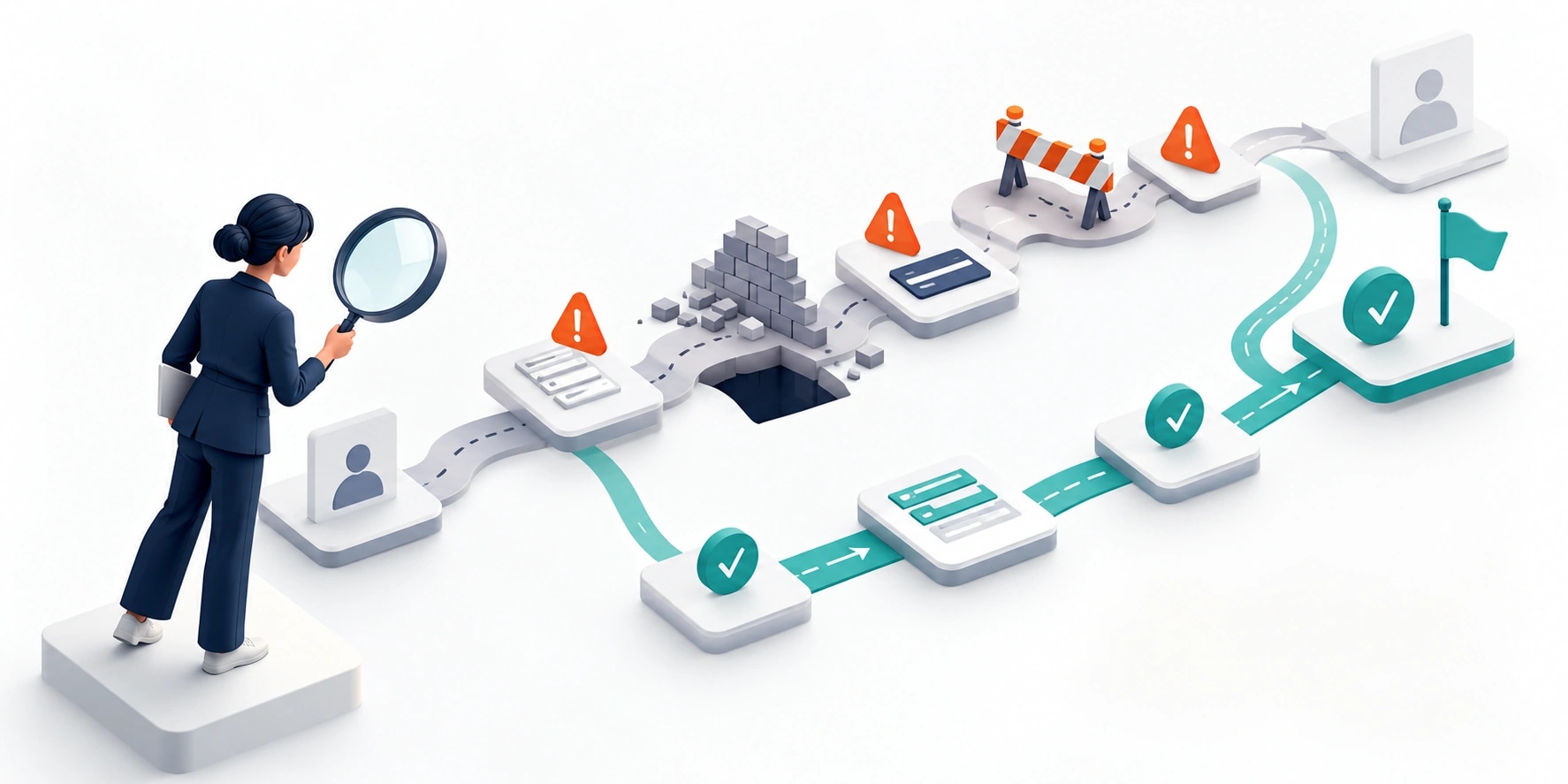
Original AI-generated editorial illustration; it depicts a concept rather than a client deployment or product screenshot.
Introduction
Low adoption does not automatically mean that a product needs more features. People may fail to understand the first step, lack required information or lose confidence after an error. A useful UX audit links observed friction to business tasks and produces changes the team can test. Here is how to evaluate UX audit against that business need.
What Is UX audit?
A UX audit is a structured review of a product's user journeys, evidence and interface behaviour to identify obstacles to successful task completion.
Screen-level opinions can miss workflow problems. Analytics show where activity changes but not always why. Prioritisation needs impact and evidence, not cosmetic preference.
A UX audit does not need to result in a full redesign; a process or content change may solve the problem. The scope should make this distinction clear before the team commits to a solution.
Technical context: The Service Manual recommends understanding users, their context and the problem they need to solve. GOV.UK: User research in discovery
Why UX audit Matters
- Screen-level opinions can miss workflow problems.
- Analytics show where activity changes but not always why.
- Prioritisation needs impact and evidence, not cosmetic preference.
How to Evaluate and Implement UX audit
Define the task and evidence
Select the journeys that matter, such as first order, approval or report creation. Review available analytics, support tickets and user feedback without assuming they represent every user. Observe representative people completing the task where possible. Record the conditions and limitations of the evidence. A high drop-off point may reflect a business rule, missing permission or bad data as well as an interface issue.
Inspect the journey beyond individual screens
Review information hierarchy, language, status, validation and recovery. Include emails, notifications and back-office handoffs that affect the outcome. Test empty states and errors rather than only populated dashboards. An interface may look consistent while requiring users to repeat information or guess what happens next. Capture the friction as an observable problem with a clear consequence.
Turn findings into testable changes
Prioritise by task impact, evidence strength and implementation dependency. Separate quick content corrections from changes requiring workflow or data decisions. For each recommendation, state the expected user behaviour and how it will be checked. A redesign mockup is not proof that the problem is solved. Review the result after release and preserve findings that need further research instead of presenting speculation as certainty.
Compare the available approaches
| Approach | Suitable starting point | Main limitation or responsibility |
|---|---|---|
| Heuristic review | Expert inspection | Needs real-task context |
| Behavioural analytics | Locate patterns | Does not explain all causes |
| User observation | Understand task friction | Limited sample needs careful interpretation |
A practical example
A hypothetical B2B portal loses users during account setup. Observation reveals that buyers do not know a required internal account code. The proposed fix changes the invitation flow and provides an assisted route, rather than adding onboarding illustrations. The team measures verified setup and first useful action after release. The example shows how an audit can reveal a process issue.
An acceptance test worth running
Observe a user attempting the priority task without coaching. Record the point of confusion and distinguish missing permission, missing data and interface ambiguity. Apply one proposed correction and repeat the observation. Compare the expected behaviour with what happens rather than declaring the redesign successful from its appearance. Preserve questions that the available research has not yet answered.
What to measure
Track completion, error recovery, time to first value, support demand and observed user effort.
Use a representative baseline and record the conditions of the comparison. Agree who reviews failures and what evidence is needed before expanding the scope. For a broader view of the related delivery work, explore Webbies services.
Practical Steps for UX audit
- Select a business-critical journey.
- Combine interface review with available behavioural evidence.
- Prioritise problems and define expected changes.
- Test the revised journey and inspect outcomes.
Prepare a useful project brief
| Decision | What to establish |
|---|---|
| Audience | product leaders investigating weak task completion |
| First boundary to agree | Select a business-critical journey. |
| Evidence of useful performance | Track completion, error recovery, time to first value, support demand and observed user effort. |
| Estimate dependency | Journey breadth, research access, product complexity and evidence quality shape scope. |
Bring sample inputs and an example of an exception to the first discussion. Separate confirmed requirements from assumptions, and identify who can supply missing information. The brief should let a delivery team explain what it needs to investigate before making a detailed commitment.
Common Mistakes to Avoid
- Calling personal preferences research findings.
- Auditing only the homepage.
- Redesigning before identifying the task failure.
Frequently Asked Questions
What does UX audit mean in a business project?
A UX audit is a structured review of a product's user journeys, evidence and interface behaviour to identify obstacles to successful task completion.
How should a team begin evaluating product usability audit?
Select a business-critical journey. Combine interface review with available behavioural evidence.
How do we measure whether UX friction analysis is useful?
Track completion, error recovery, time to first value, support demand and observed user effort.
What affects the cost or timeline of UX audit?
Journey breadth, research access, product complexity and evidence quality shape scope. A delivery estimate should follow a review of these dependencies.
What is a common misconception about UX audit?
A UX audit does not need to result in a full redesign; a process or content change may solve the problem.
Conclusion
An effective audit explains a task failure and proposes a checkable improvement. Use evidence to choose between an interface change, clearer content and a better process. Plan a focused product UX audit with Webbies.
Sources and further reading
- GOV.UK: User research in discovery — primary technical reference, checked during research on 30 October 2026.
Discuss your project
Plan a focused product UX audit. Share the current workflow, intended users, existing systems and the decision you need to make; the next step can be a 20–30 minute discovery discussion.