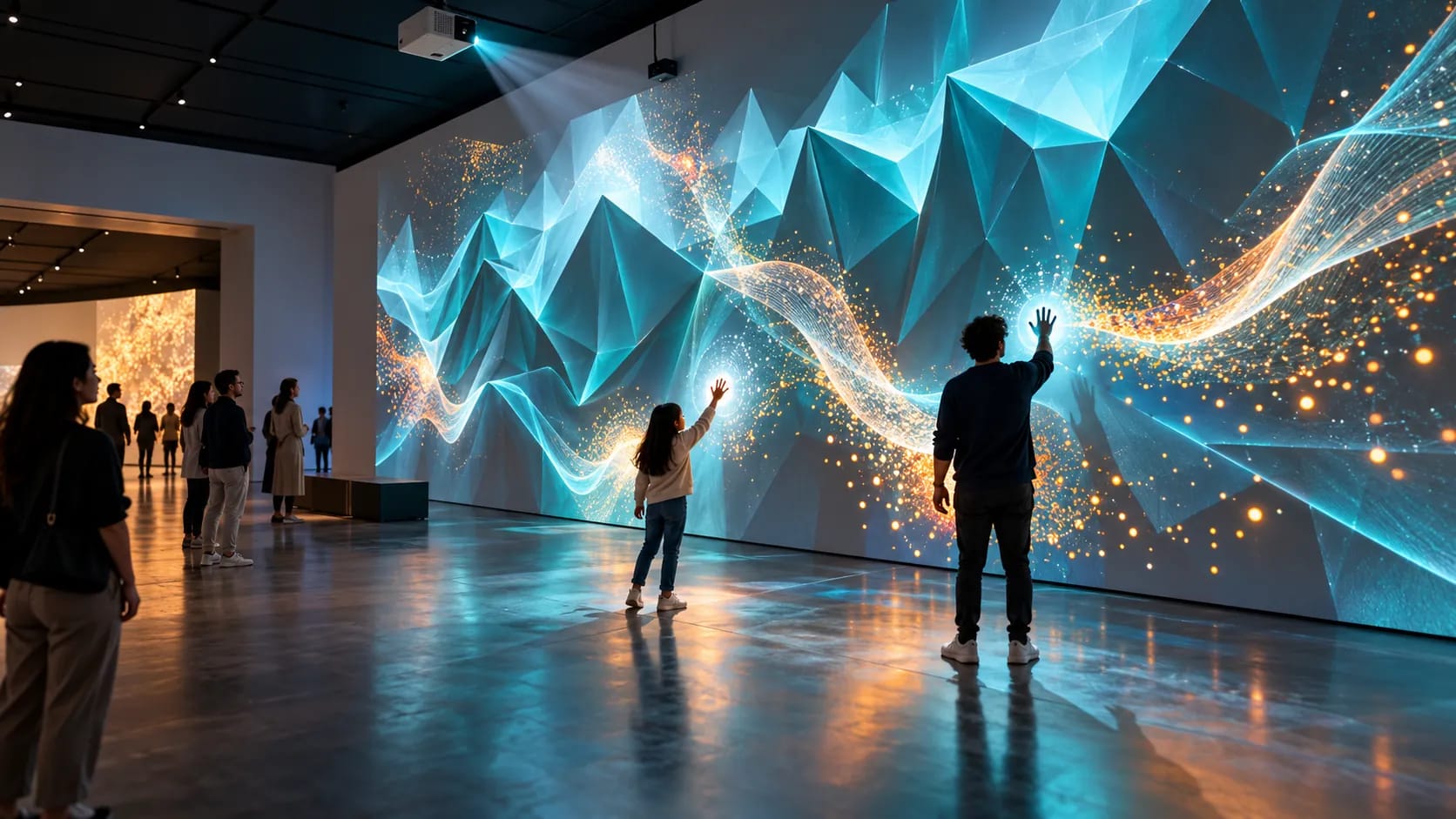
Immersive Museum Experience: Start with the Story Visitors Should Understand
TL;DR: An immersive museum experience uses space, imagery, motion and sound to help visitors follow a story. Begin with a specific learning goal, then test the room, visitor flow and accessible alternatives before scaling production. Webbies’ Science City work is in development and provides context for the studio’s approach, not a completed-installation claim.
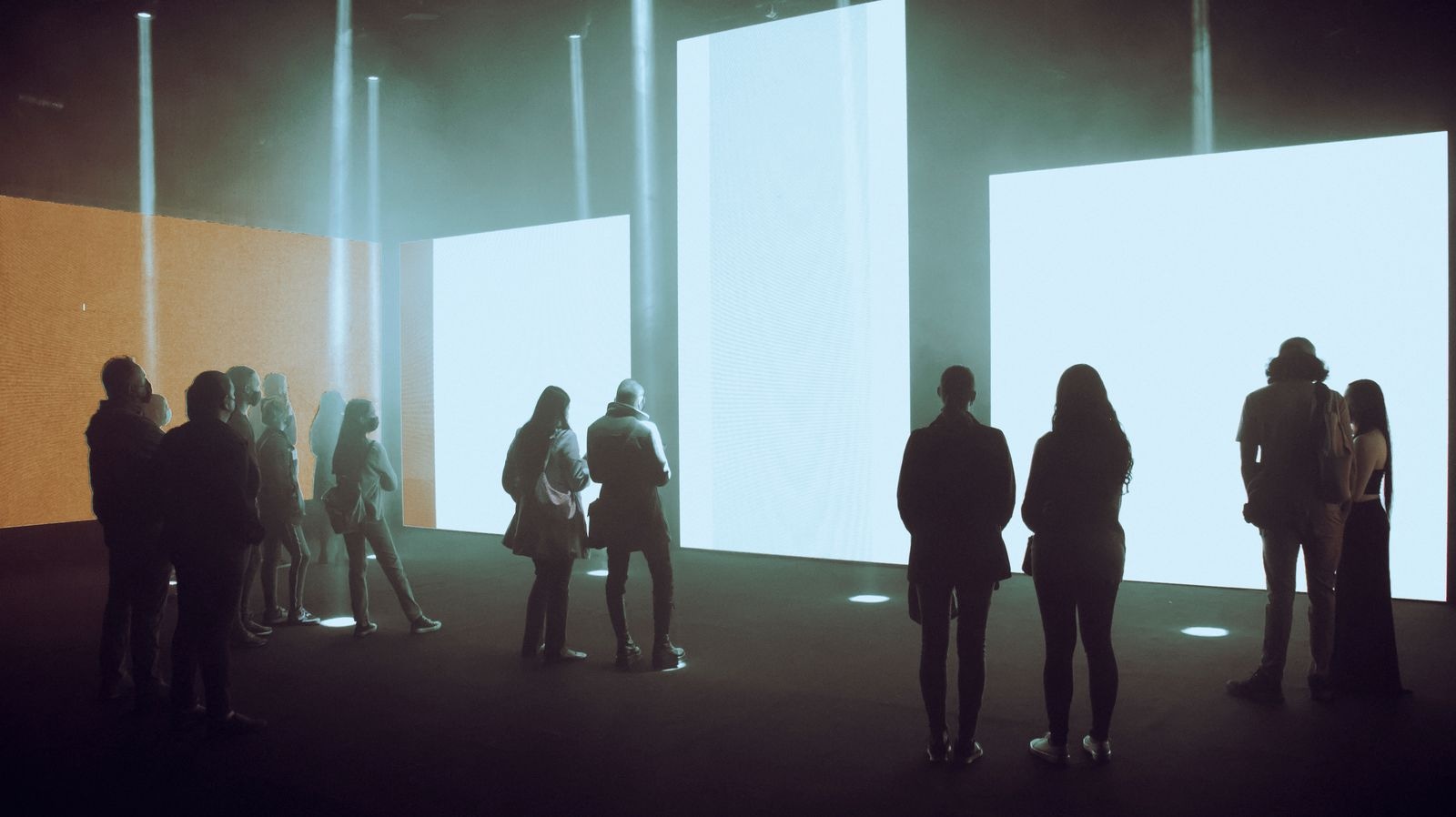
Illustrative photography by Han Zibar / Pexels.
Introduction
Your team wants visitors to feel surrounded by a scientific idea, but the brief begins with projector specifications. An immersive museum experience becomes more useful when the first decision is what the visitor should understand, not how much equipment can fit in the room.
Museums and visitor centres serve people with different ages, interests and access needs. A striking opening moment is only part of the journey. People also need to know where to stand, what to follow and how to join a story that may already be playing.
Webbies’ Science City, Kolkata project explores science storytelling through imagery, motion and projection. The portfolio explicitly describes the experience as in development. This guide draws on that direction while presenting planning recommendations for a new brief.
What Is an Immersive Museum Experience
An immersive museum experience is a designed encounter that uses the surrounding space and media to help visitors engage with a subject or story.
It may use projection, large screens, sound or physical interaction. Those are tools rather than the learning objective. A room filled with moving images still needs a clear explanation of what the visitor is seeing and why it matters.
Interactive exhibition design adds another question: does a visitor’s action change the experience in a meaningful way? Interaction can be valuable, but a well-told shared sequence may be a better fit when the room serves a continuous flow of people.
Why Spectacle Alone Is Not Enough
An exhibit can look impressive while leaving practical problems unresolved:
- Visitors do not know whether they arrived at the beginning or the middle.
- The central idea is difficult to identify after the sequence ends.
- Standing positions block a key part of the image.
- Essential information is available only through sound or motion.
- Staff cannot restart, supervise or maintain the experience easily.
The organisational opportunity is to make a subject more approachable and the visit more coherent. Claims about learning, attendance or repeat visits need an appropriate evaluation; they should not be assumed from the size of a projection.
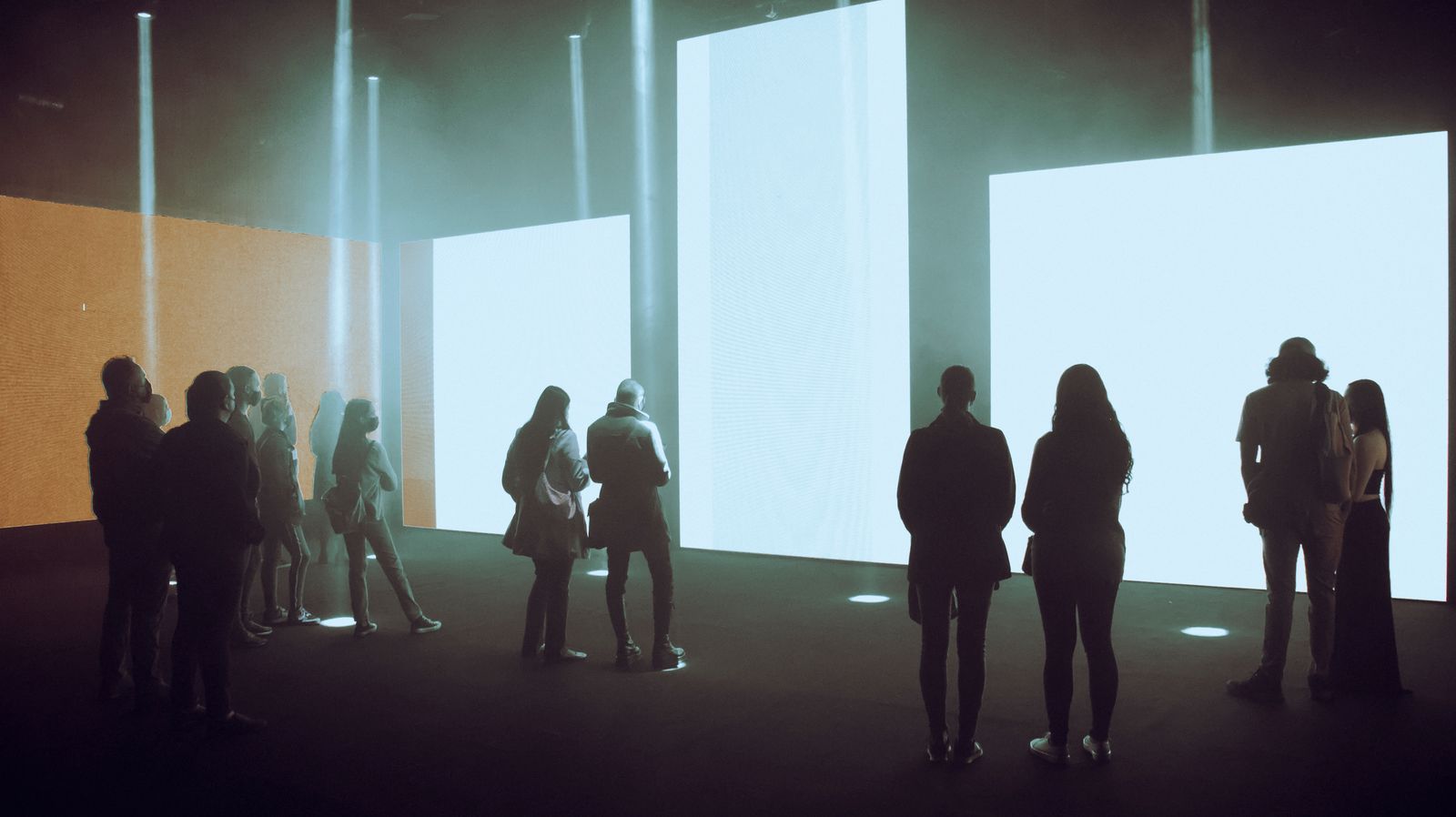
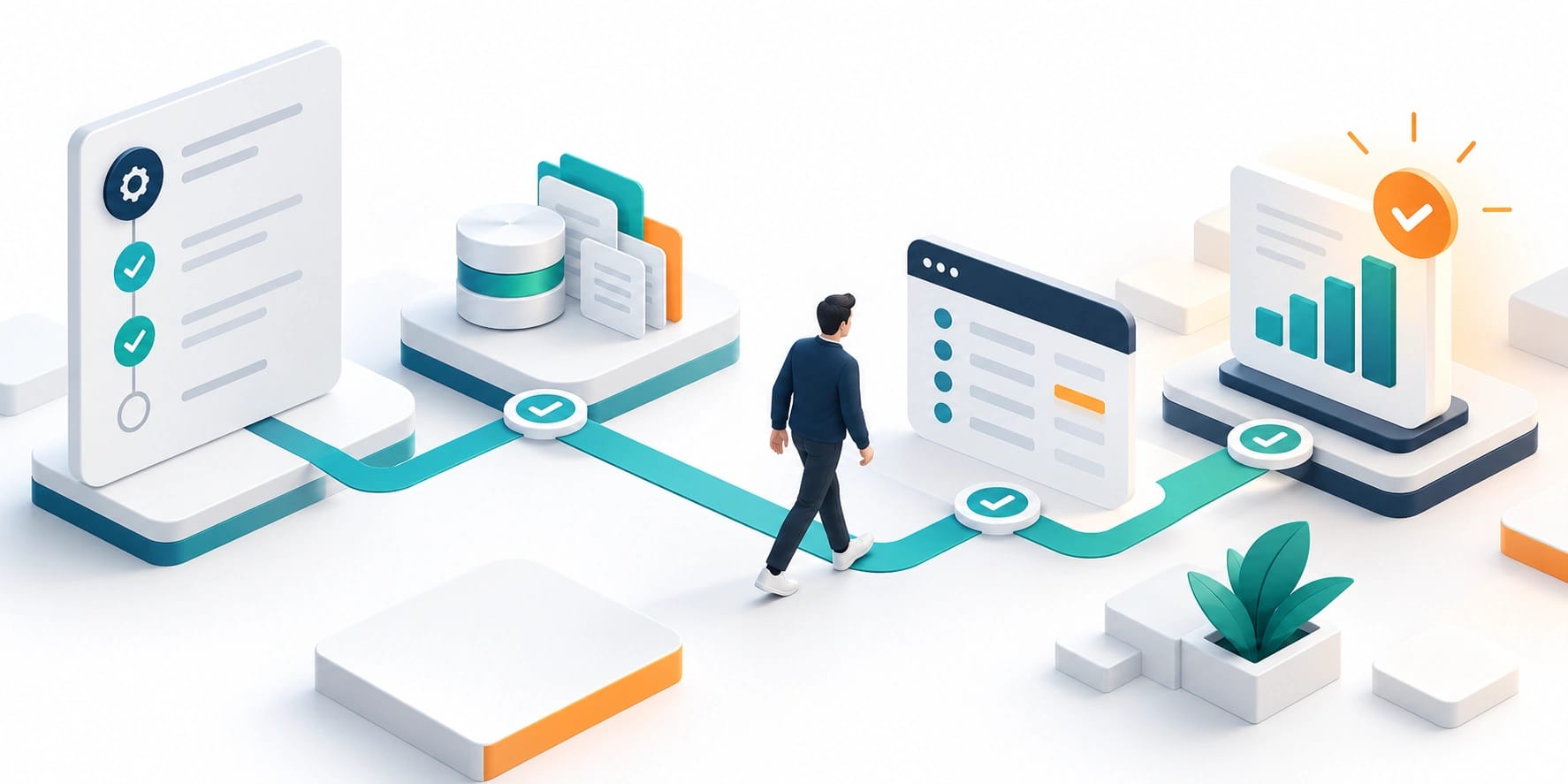
How to Turn a Story into a Spatial Experience
Choose one learning goal
Write the idea in a sentence that a visitor could repeat in their own words. Then decide which parts need a visual explanation, which need text and which could be discovered through interaction. Use subject experts to review the scientific content.
Avoid putting every available fact into the first sequence. A focused story can link to additional reading or another exhibit for depth. The room should give people a clear route through the subject rather than require them to process several unrelated messages at once.
Compare presentation formats
| Format | Useful situation | Planning question |
|---|---|---|
| Shared looping sequence | Visitors arrive continuously | Can someone understand the story after joining midway? |
| Staff-led presentation | A group follows an explanation together | How does the presenter control pace and recovery? |
| Visitor-triggered interaction | A specific action teaches part of the idea | Is the action understandable and useful to the story? |
The comparison is a design aid, not a ranking. Consider group size, staffing, available space and the subject itself before choosing a format or combining several.
Test the room with a rough prototype
Use an early storyboard or low-detail sequence to test sightlines, text size and pacing in the actual space where possible. Include people joining late, standing behind others or taking a different route through the room.
Check lighting, sound spill and the parts of the space that change during opening hours. A media file reviewed on a laptop cannot answer all those questions. Record what needs to be tested again when production equipment is installed.
Make the meaning available in more than one way
Plan captions, readable text and other appropriate alternatives while the story is being written. W3C’s audio and video accessibility guidance is a useful reference for making media information available beyond a single sensory channel.
Provide a way to understand the central idea without requiring every visitor to perform the same movement or react at the same speed. Review the actual exhibit with people who have relevant access needs, rather than treating an accessibility checklist as proof that the experience works for everyone.
Design operation and review into the brief
Staff need a clear way to start, check and recover the experience. Decide who owns the content, who approves a scientific correction and how updates are tested. An installation that cannot be maintained will become harder to use as equipment or content changes.
For a pilot, observe whether visitors understand what to do and can describe the main idea afterward. Those observations can guide revisions, but they are not a substitute for a formal learning evaluation where one is needed. Keep the claims proportionate to the evidence collected.
How Webbies can help
The Science City direction brings spatial design, animated storytelling and projection concepts together. Because the work is still in development, it should be presented as an evolving experience rather than a finished installation with measured visitor results.
Webbies can help turn a subject brief into a storyboard, develop imagery and motion, and connect the media with the intended visitor journey. Venue teams, subject experts and installation specialists should participate in reviewing the space and operating plan. Explore content and motion services and the wider Webbies portfolio for relevant work.

Practical Steps for an Exhibit Brief
- Write one learning goal and identify the intended audience. Ask subject experts to approve the central explanation.
- Map how visitors enter, stand, move and leave. Include people arriving while the experience is already running.
- Compare a loop, a staff-led sequence and a visitor-triggered format. Choose the approach that supports the story and operating conditions.
- Test a rough sequence in the space. Record sightline, sound, readability and timing problems.
- Plan accessible alternatives and staff controls. Review them as part of the experience rather than a later addition.
- Pilot and revise before full rollout. Keep visitor observations, content approval and technical checks together.
Common Mistakes to Avoid
- Starting with equipment before defining the story.
- Treating continuous movement as the main learning method.
- Designing only for an empty room and a perfectly timed arrival.
- Leaving staff recovery controls until installation day.
- Calling development work a completed public experience.
Frequently Asked Questions
Does an immersive museum experience need visitor interaction?
No. A shared sequence can be a better fit when visitors arrive continuously or when interaction would distract from the central explanation.
What makes projection storytelling effective?
A clear subject, understandable sequence and appropriate use of the space give visitors a route through the idea. Projection alone does not establish learning value.
How should interactive exhibition design support different visitors?
Make the main information available through appropriate alternatives and avoid requiring everyone to perform the same action. Test the actual experience with relevant audiences and access needs.
What affects the budget and schedule?
Story development, media production, room conditions, equipment integration and testing all matter. A rough spatial prototype can identify dependencies before detailed production begins.
Is a bigger projection system always a better exhibit?
No. Story clarity, sightlines and an appropriate visitor journey matter more than scale alone; test a rough spatial prototype before committing to a larger production.
Conclusion
A strong immersive exhibit makes a subject clearer through the space around the visitor. Begin with the learning goal, test the real room and plan how the experience will be understood and operated. Discuss your exhibition story with Webbies.
Related Webbies services and projects
Sources and further reading
- W3C guidance on making audio and video accessible provides a starting reference for planning media alternatives.
Plan your project with Webbies
Bring a subject, a venue outline and the idea visitors should leave with to Webbies to begin a focused experience brief.