Food Brand Website: Turn an Appealing Range into Useful Enquiries
TL;DR: A food brand website should help visitors understand the brand, find the right products and make a clear enquiry. Organise photography and product details around the buyer’s questions instead of treating the site as a menu of attractive pictures. Webbies can bring branding, content, design and development into one connected journey.
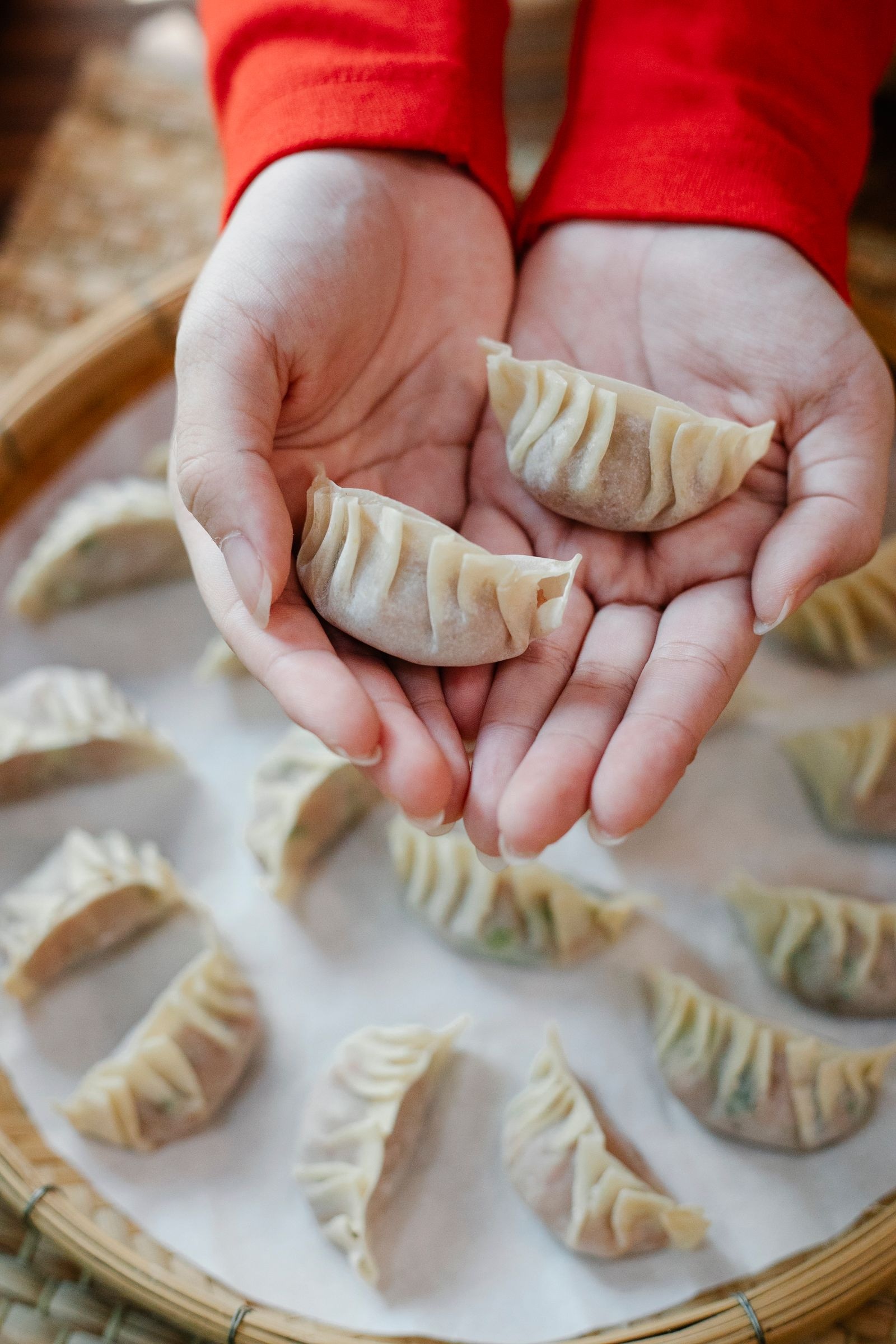
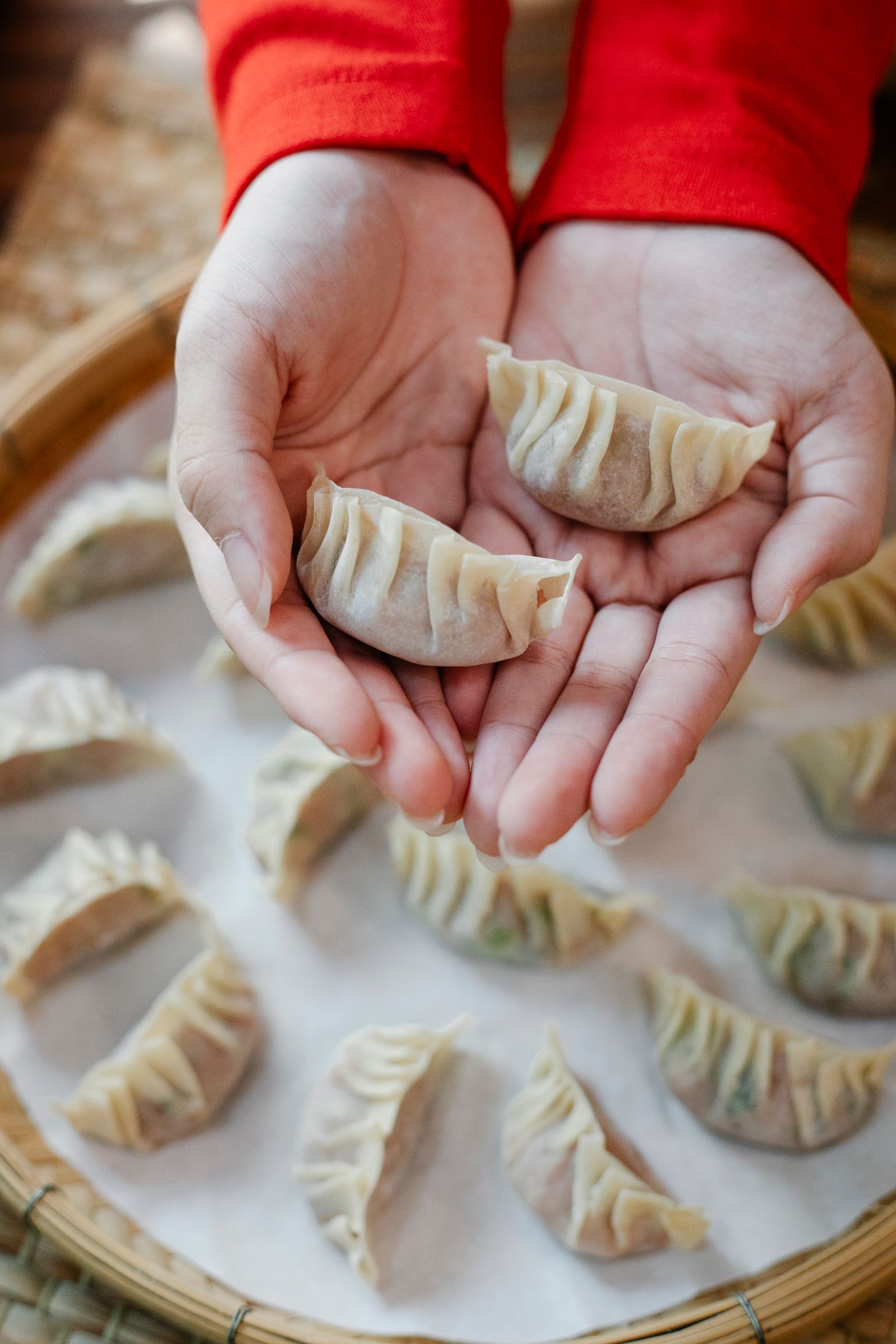
Illustrative photography by Angela Roma / Pexels.
Introduction
Your food photography attracts attention, but a potential distributor still cannot find the pack information or contact route. A food brand website needs to carry that visitor from interest to an informed next step.
The audience might be a consumer, a restaurant buyer, a retailer or a distributor. Those people do not arrive with the same questions. A site can serve more than one group, but its navigation and product pages should make the relevant route clear.
Webbies’ OrienBites project brings food photography, product collections and the brand story into one website. The practical lesson is about connecting those elements; it is not a claim that photography alone produces sales.
What Is a Food Brand Website
A food brand website is a digital home for a food business that connects its identity and product information with the actions its audiences need to take.
It may introduce the range, support trade enquiries, explain where products are available or enable online purchasing. Choose the business role first. A manufacturer looking for distributors needs a different enquiry journey from a shop selling individual packs directly to consumers.
The site should also have a clear owner for product information. Ingredients, preparation instructions, product availability and packaging details need approval from the business. A website team should not fill factual gaps by guessing what is inside a product.
Why Good Photography Is Only the Beginning
Visitors can become interested and still leave because they cannot answer basic questions:
- Which collection contains the product I need?
- Is this information intended for home use or a trade buyer?
- What details should I provide when asking about supply?
- Where can I find the approved product specifications?
- What happens after I submit an enquiry?
Answering those questions can improve the usefulness of the conversation that follows. Growth comes from serving the right enquiry and supporting the real buying process, not from assuming that every visit should end in an immediate purchase.
How to Structure a Food Website Around Buyers
Choose the main job of the site
| Website role | Main visitor task | Useful next step |
|---|---|---|
| Brand introduction | Understand the business and range | Explore a relevant collection |
| Trade catalogue | Assess products for a buying conversation | Submit a product-specific enquiry |
| Online shop | Choose available products for purchase | Complete a supported checkout |
These roles can coexist, but they should not be blurred. A visitor should know whether a button requests information, locates a retailer or places an order. Do not imply online purchasing where the business cannot fulfil it.
Build product collections that make sense
Organise the range around language buyers recognise. Use a consistent structure for product names, images and approved information. If filters are helpful, derive them from the product data rather than adding labels that staff cannot maintain.
For a trade-focused site, decide which details belong on the page and which are provided after enquiry. If a specification document is offered, keep its version and ownership clear. Check that an old document cannot silently contradict the current product page.
Give photography an information role
Use an appealing image to establish the product, then add views that answer genuine questions about appearance, preparation or presentation. Keep image treatment consistent enough that visitors can compare items without being distracted by unrelated styles.
Avoid putting essential product facts only inside an image. W3C’s image guidance explains that informative visuals need appropriate text alternatives. The surrounding product text should carry the details a buyer needs to understand and identify the item.
Make the trade enquiry specific
A general contact form often makes both sides start again. Where appropriate, pass the product name or collection into the form, ask for the buyer’s business context and explain how the team will respond. Keep optional information visibly optional.
Test the actual inbox or destination record. A successful screen message is not enough if the sales team receives an incomplete enquiry. Assign responsibility for answering and reviewing messages so the website fits the existing operating process.
How Webbies can help
The documented OrienBites work combines a warm visual language, food imagery, clear collections and product pages. It shows how a brand introduction and range exploration can sit within the same experience without becoming disconnected sections.
Webbies can help your team clarify the audience, organise content, develop the visual language and build the website. Branding and content work can establish a consistent voice, while development connects product discovery to the enquiry or purchasing route you can support. Explore website development and branding as related parts of the brief.

Practical Steps for Your Website Brief
- Choose the most important audience for the first release. List the questions that audience asks before making contact.
- Audit the product range and approved documents. Name the person who signs off product facts.
- Create one complete example product page. Use it to expose missing photography, copy and specifications.
- Plan a small set of understandable collections. Check them with people who did not organise the catalogue.
- Test a product-specific enquiry from start to receipt. Confirm that the sales team has enough information to act.
- Review enquiry relevance after launch. Improve unclear pages before adding more campaign traffic.
Common Mistakes to Avoid
- Building a beautiful homepage while leaving product pages incomplete.
- Mixing consumer and trade messages without clear routes.
- Publishing unapproved ingredient or preparation information.
- Making every enquiry start from a blank message box.
- Adding an online-shop interface before fulfilment is ready.
Frequently Asked Questions
Does a food brand website need online ordering?
Not always. A trade catalogue or brand website can be useful when the business sells through distributors or a supported enquiry process.
What makes food product website design useful to buyers?
Clear collections, accurate information and consistent imagery help visitors assess the range. The enquiry or purchase route should preserve the context of the product they selected.
Can a food manufacturer website serve several audiences?
Yes, if visitors can identify their route. Consumer discovery and distributor enquiries may share product information while needing different next steps.
What drives the cost of the project?
Range size, content preparation, photography, languages and purchasing or enquiry integrations affect the work. A complete sample product page helps make the scope concrete.
Will a new website guarantee more sales?
No. A clearer website can support discovery and better enquiries, but results also depend on demand, pricing, availability and follow-up by the business.
Conclusion
An effective food website joins appetite with useful information. Help each visitor find a relevant product and take a next step that your team can handle well. Talk to Webbies about your food brand’s website.
Related Webbies services and projects
Sources and further reading
- W3C guidance on informative and decorative images explains how image descriptions should follow the purpose of the visual.
Plan your project with Webbies
Share your product range and the type of buyer you want to reach so Webbies can help map the route from discovery to enquiry.